
Case Study · Sense · 2024
Energy Actions
At a glance
The problem Energy insights don’t automatically lead to action. Smart meters brought in people who had never asked for energy data, and the job was making the data that already existed accessible.
- people shown the first action, “Winter is Coming”, in its first 90 days
- ~1,500
- chose “I’ll Try It”; the rest saved it for later or opted out, and both were designed outcomes
- 47%
- a shipped feature, delivered as a portable card and bottom sheet system
- 0→1
Lead Designer · Shipped
Helping people take simple, contextual actions to save on energy usage, designed as a behavioral layer across the Sense app rather than a standalone destination.
For this project, I led the product strategy and system design, shaping the feature as a behavioral layer across the app rather than a standalone destination. I defined the conceptual model, interaction patterns, and design principles that enabled contextual delivery, and led the creative direction for illustration and motion so the system felt calm, human, and trustworthy, aligning product and engineering around a scalable platform capability.
The problem
Energy insights don’t automatically lead to action.
Sense had long served tech-forward homeowners who wanted visibility into their energy use, even without explicit guidance. With the introduction of Sense-powered AMI 2.0 smart meters, we began onboarding a much broader audience: people with different levels of energy literacy, expectations, and motivations.
The challenge shifted from providing more data to making existing data more accessible, using clear, contextual guidance to bridge the gap between expert and first-time users.
Existing data in the Sense app
The opportunity
What if Sense could go beyond energy data and help users take action?
We saw this major shift in our core audience as an opportunity to design a feature that translated energy data into simplified, seasonal, and optional actions, and surfaced them at the right time, in the right context: when users are most likely to act.
Examples of contextual actions
Early exploration
Exploring how and where actions should appear.
Before designing the action itself, we explored multiple entry points across the Sense app and tested them with users to understand where and when they were most receptive. The key question: where does an action feel helpful and not disruptive?
Do actions need a home? Early exploration considered a centralized recommendations hub to support a future multi-action system. But given the initial launch scope (a single seasonal tip and an existing home survey), engineers flagged that a repository would add disproportionate complexity relative to value.
That led to a lighter approach: Energy Actions were designed as contextual system responses, not a new product surface, delivered through existing UI patterns without increasing product or engineering overhead.
Early entry point explorations

Early signals
What users understood, and what made them hesitate.
Before convergence, we tested an early Energy Action prototype to understand how users interpreted system signals, contextual relevance, and behavioral intent. The goal was to validate whether users understood why actions appeared, and whether that understanding translated into confidence and action.
What created confidence:
- Contextual understanding. Users immediately connected high A/C usage to the tip. Seasonal and usage signals made the action feel logical and timely, and users described the experience as personalized, not generic.
- Discoverability. “Blue caught my eye, so I clicked it.” Visual contrast drove attention without interruption.
- Motivation. The primary motivator was cost savings: “Every dollar counts.” Social proof was noticed, but it wasn’t a decision driver.
Where friction emerged:
- CTA language. “Track It” created hesitation; users were unsure what commitment it implied.
- Expectation mismatch. Participants expected “Track It” to mean proactive reminders, timed notifications (especially when away from home), ongoing check-ins, bill impact tracking, or automated monitoring of A/C usage.
- Risk signals. “Save $4/month” felt too certain and created concern about guaranteed outcomes.

Users were motivated by cost savings, confidence and clarity, not urgency or pressure.
Design implications
What these signals changed.
- Language clarity. A shift from ambiguous verbs (“Track it”) to intent-transparent actions (“I’ll Try It”).
- Expectation framing. Savings reframed as potential, not promise.
- Effort visibility. Clear signals of effort, commitment, and reversibility.
- Delivery model. A move from a “tool to manage” to system behavior that supports.
These insights shifted the system from persuasion to permission.
The revised action sheet

Convergence
Converging on a portable actions system.
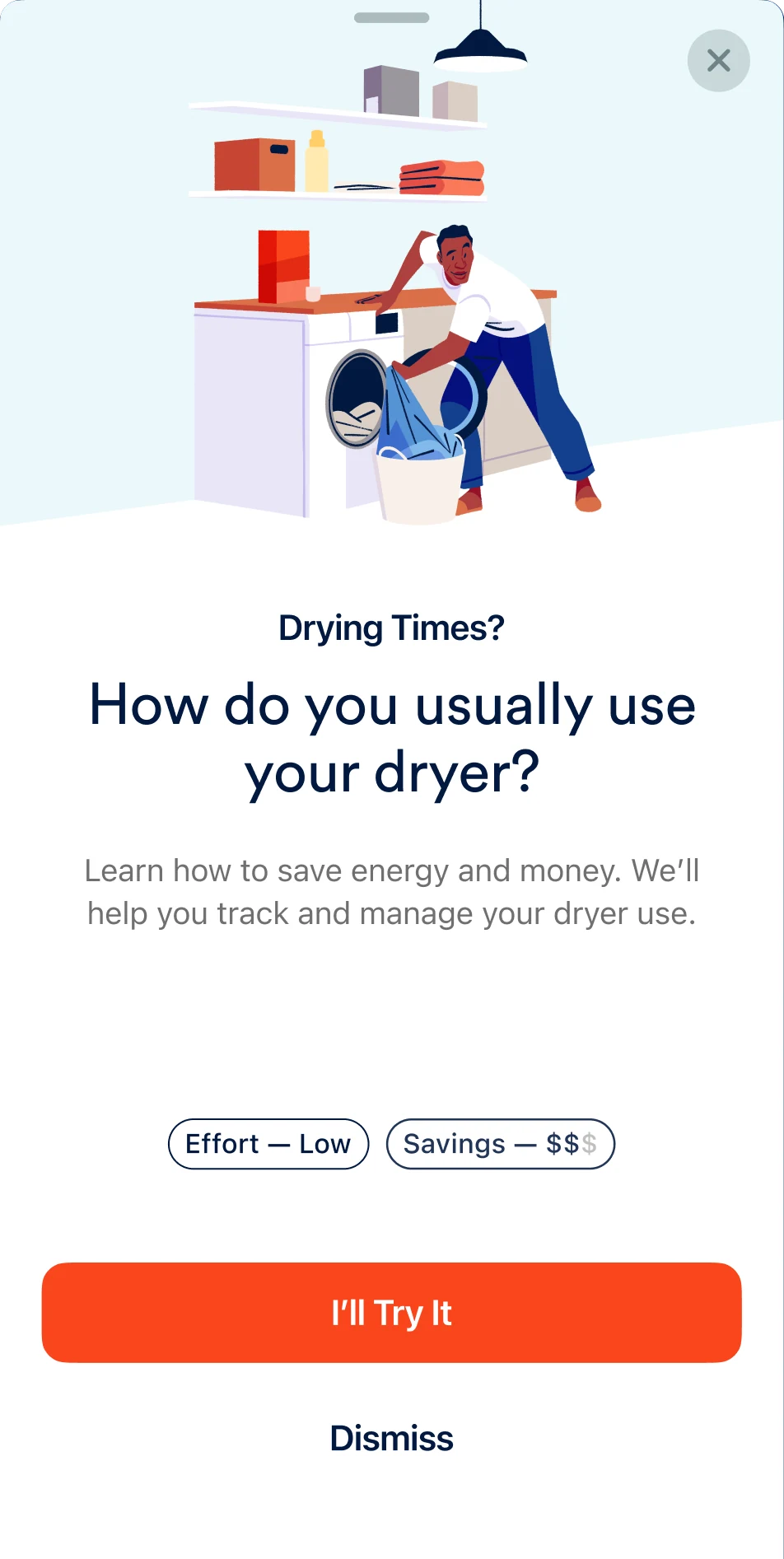
Through exploration and engineering collaboration, we landed on a lightweight, portable card and bottom sheet model that could appear anywhere in the app. It worked because it lowered engineering overhead, delivered actions in context, and could scale beyond a single surface.
System anatomy
The building blocks behind Energy Actions.
A lightweight, portable system designed to deliver contextual actions without increasing product complexity:
- Designed as system behavior, not a destination
- UI intentionally lightweight to enable reuse
- Logic and presentation loosely coupled
- A feedback loop that feeds future eligibility
System anatomy

Seasonal strategy
Choosing the right first action.
Launching with a seasonal action reduced risk and increased relevance. Not everyone saw it, only people for whom it was contextually relevant, and seasonality worked well as a trust mechanism:
- The feature was launching in October 2024, in the fall.
- Weather data already existed in the Sense app.
- Seasonal changes create shared, intuitive context.
- It surfaced only to users experiencing meaningful temperature drops.
- It directly informed the creative direction of the illustration.
Illustration by Tommy Parker

Illustration
Illustration designed for calm, not urgency.
I led the illustration creative direction for Energy Actions, working closely with illustrator Tommy Parker to define a visual language that felt warm, calm, and human. As the first feature in the Sense app to introduce illustration, the work focused on communicating seasonal context while reinforcing reassurance, supporting action without urgency, pressure, or judgment.
Translating calm into visual decisions:
- Warmth over urgency. Soft shapes, diffuse lighting, and relaxed posture avoid alarmist or corrective cues.
- Seasonal context without instruction. Environmental signals (blankets, lighting, the window, temperature cues) imply action without prescribing behavior.
- Human, not heroic. Everyday family moments instead of “perfect behavior” scenarios.
- Neutral emotional tone. Calm engagement rather than excitement, guilt, or fear.
- System-friendly composition. Scenes designed to crop, scale, and adapt across cards and hero surfaces without losing meaning.

Illustration in context

Interaction states
Motion designed to stay out of the way.
Motion in Energy Actions was intentionally restrained, used to reinforce hierarchy, state changes, and user intent rather than draw attention or create urgency. Every transition was designed to feel predictable, reversible, and non-blocking: user-initiated only, short and predictable, and never delaying or pressuring a decision.
Designing for user agency
Dismissal and deferral were designed as first-class outcomes, not failure states. Users can explicitly choose to save an action for later or permanently opt out, without pressure, guilt, or repeated prompting. These outcomes feed back into eligibility logic, shaping future recommendations.
Encouragement without expectation
When a user chooses to try an Energy Action, the system responds with a brief, affirmative acknowledgment of intent, designed to encourage action without creating obligation, urgency, or expectation.
Outcome
From system design to real behavior.
Energy Actions didn’t just change the interface; it changed how users engaged with energy data. Early usage showed meaningful interaction across different user intents, validating the system’s design for optionality, trust, and user agency.
These outcomes validated the system’s core design principles:
- Actions felt relevant enough to engage
- Dismissal felt safe enough to use
- Deferral felt legitimate, not frictional
- Engagement was voluntary, not coerced
First 90 days~1500 people were shown the
“Winter is Coming” action
I’ll try it700 Users - 47%
Don’t show this again225 Users - 15%
Save for later / close540 Users - 36%
Credits
- Product Design Lead and Design Direction: Oratio West
- Product Design Manager: Ryan Miglavs
- Product Designer: Allison Lu
- Creative Director: Alejandro Largo
- Illustrator: Tommy Parker
- Product Managers: Evan Marks and Becca Smith
- Tech Lead, iOS: Josh Monroe
- Tech Lead, Android: Jacob Andrew-Ohlman
- VP of Product: Nancy Riley