
Case Study · Sense · 2024
Watt Check - General Purpose
At a glance
The spark Watt Check for Lights proved people valued quick, interactive answers to everyday energy questions. Once they saw how simple it could be, they wanted to check everything else too.
- of results rated as useful
- ~90%
- of new users completed a Watt Check in week one, against an ambitious 80% goal
- ~20%
Lead Designer · Shipped
Interactive energy measurement for everyday home devices: evolving Watt Check from a single-purpose tool for lights into a general-purpose experience, without breaking trust or accuracy.
I led the design evolution of Watt Check from a single-purpose tool into a general-purpose experience, translating user curiosity into a scalable and responsible system. As interest expanded beyond lights, my work focused on shaping the interaction, language, and eligibility cues that helped users understand what was appropriate to check, while partnering with data science to respect technical limits. This approach preserved the novelty and usefulness users loved, while preventing confusion and maintaining the accuracy Sense depends on.
The spark
What else can I check?
Watt Check for Lights proved users valued quick, interactive answers to everyday energy questions: no setup, no jargon. By turning a light on and off, they could immediately understand its impact.
That success revealed the next problem. Once users saw how simple energy measurement could be, curiosity quickly extended beyond lights to other everyday devices. The challenge wasn’t whether Watt Check worked; it was how to responsibly expand it without breaking trust, accuracy, or user confidence.
The challenge
Not every device is Watt-Checkable.
Generalizing Watt Check introduced a fundamental tension: users wanted to explore more devices, but not everything could be accurately measured. The challenge was expanding the experience without creating confusion, misuse, or false confidence, protecting trust while supporting curiosity.
I partnered with Product and Data Science to define a list of eligible devices users could confidently and accurately ‘Check’.

Design strategy
Encouraging exploration without compromising accuracy.
To expand Watt Check responsibly, we treated eligibility as a first-class design constraint. Rather than allowing users to test any device and risk misleading results, we designed a guided system that made boundaries visible and easy to understand.
The strategy prioritized clarity over completeness, supporting curiosity while ensuring every result felt accurate, trustworthy, and actionable.
Early device grid exploration

Device selection as UX
Making eligibility obvious at the moment of choice.
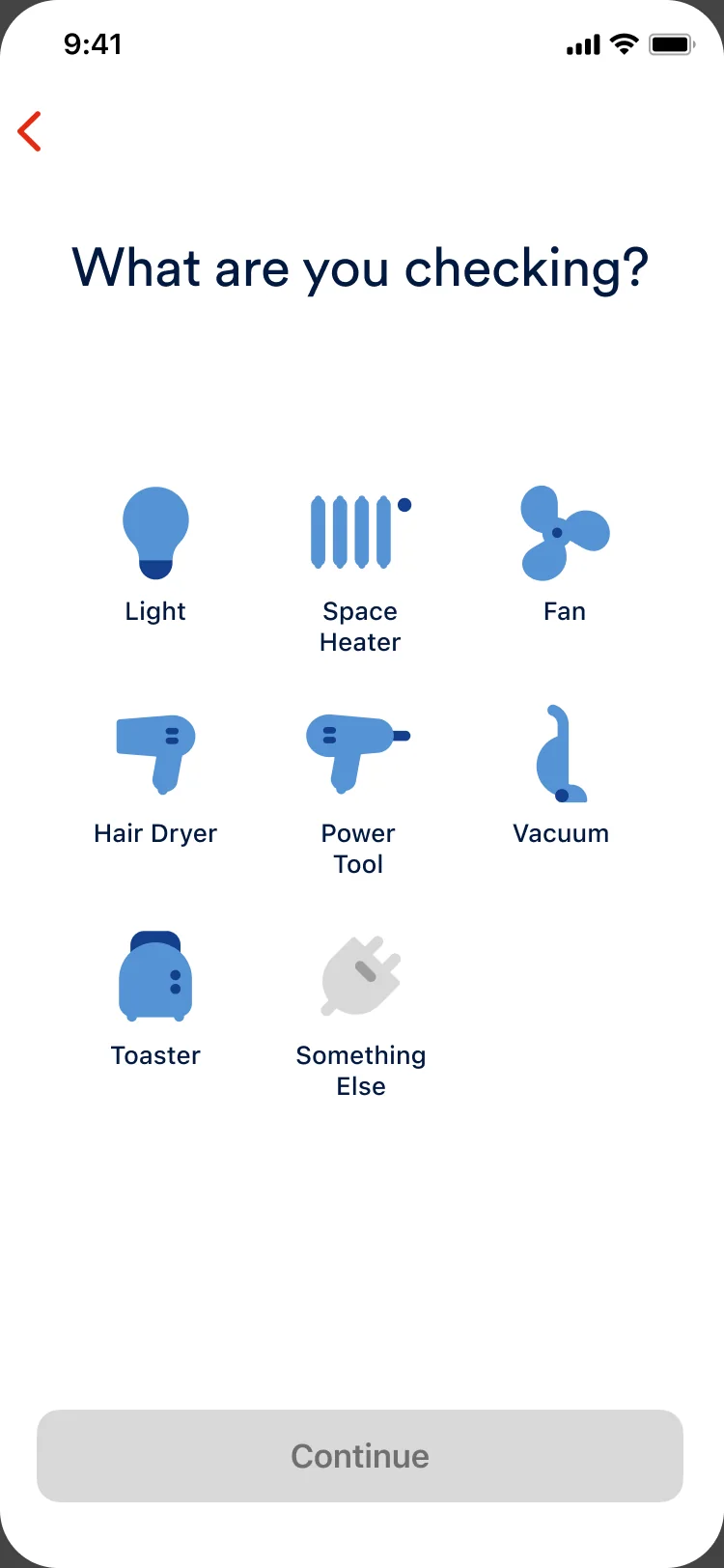
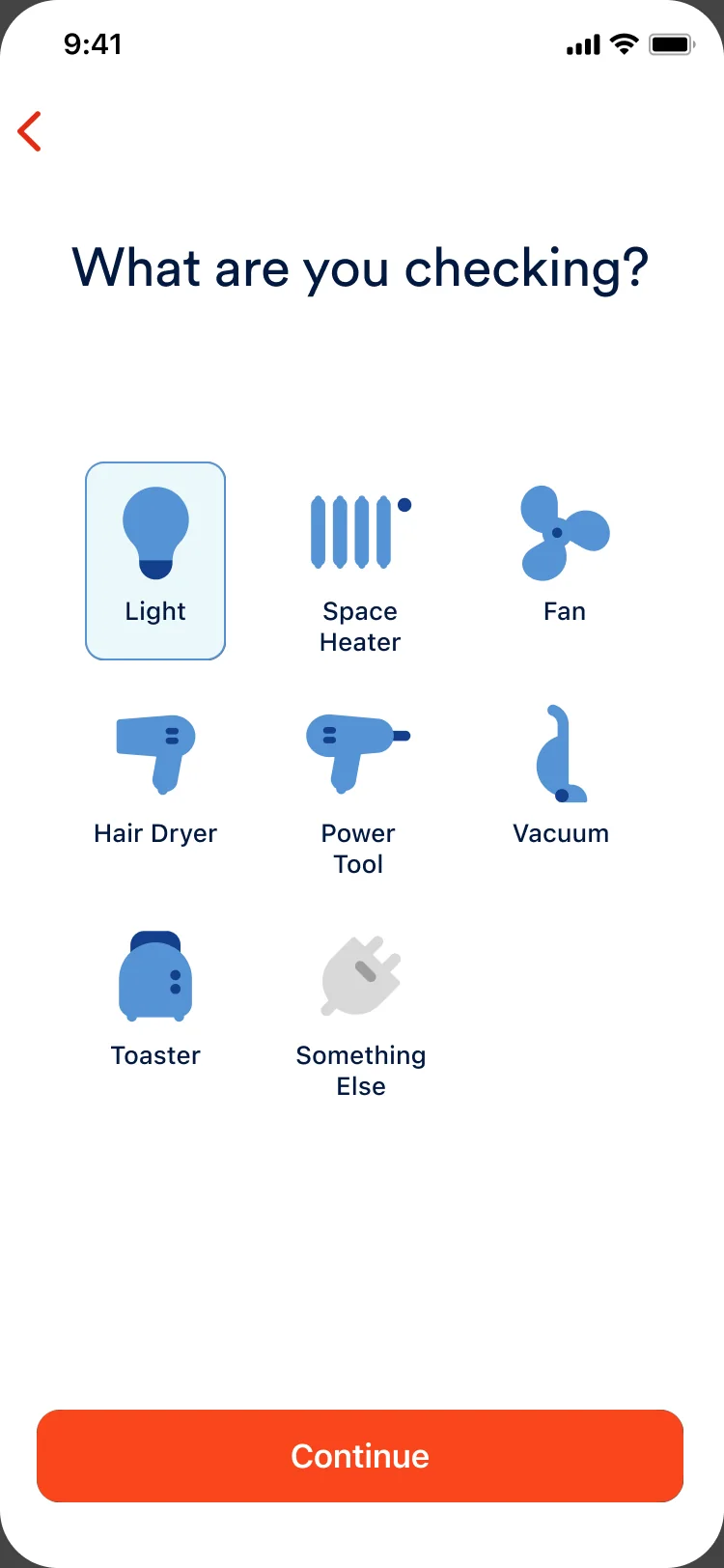
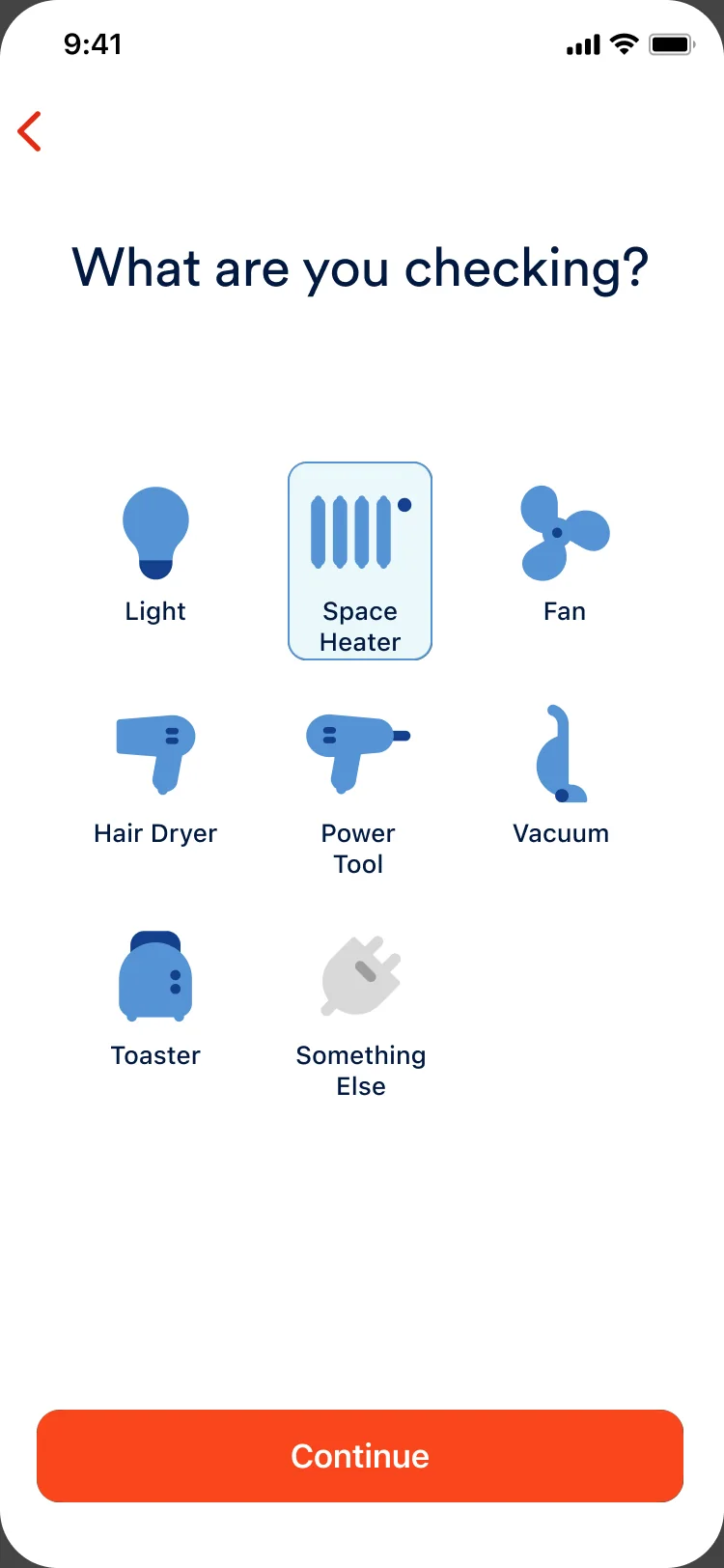
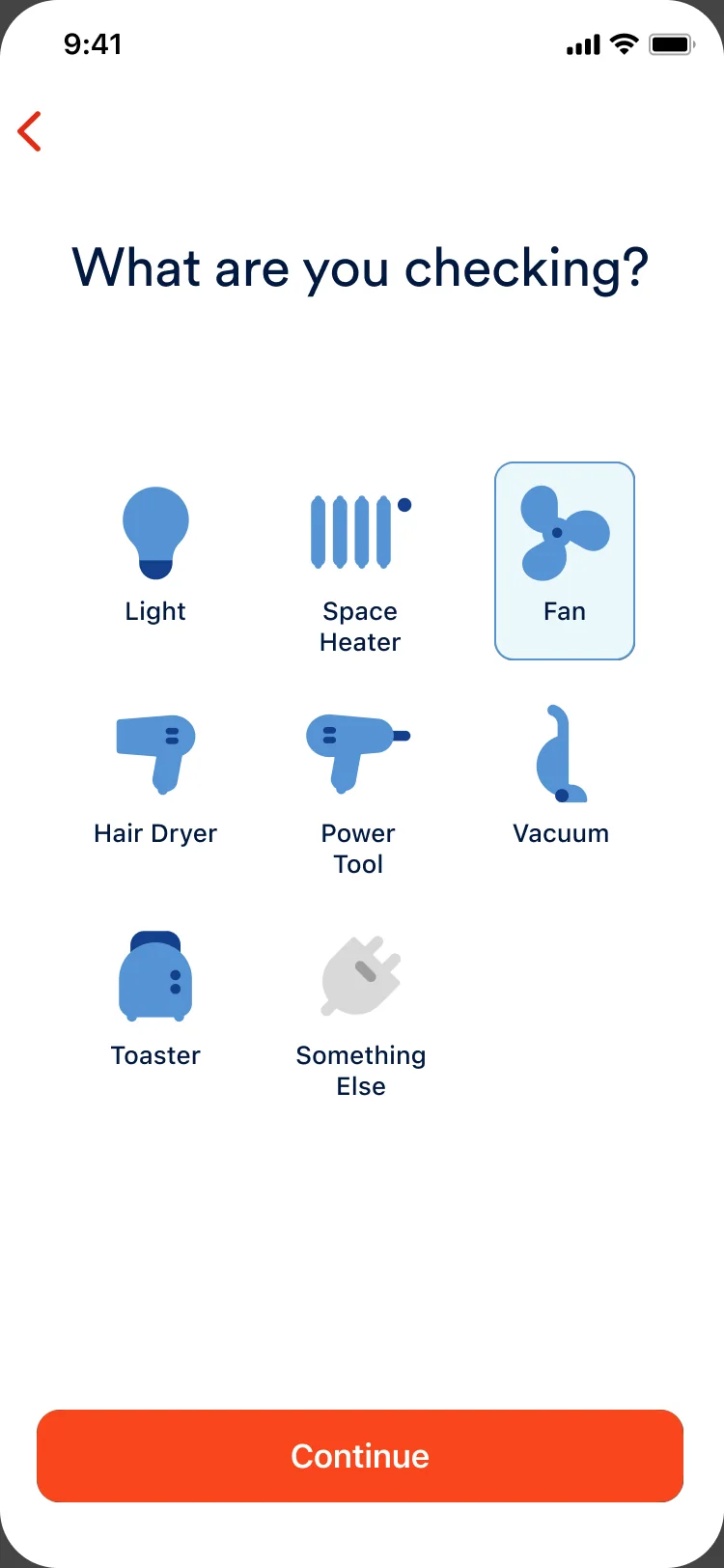
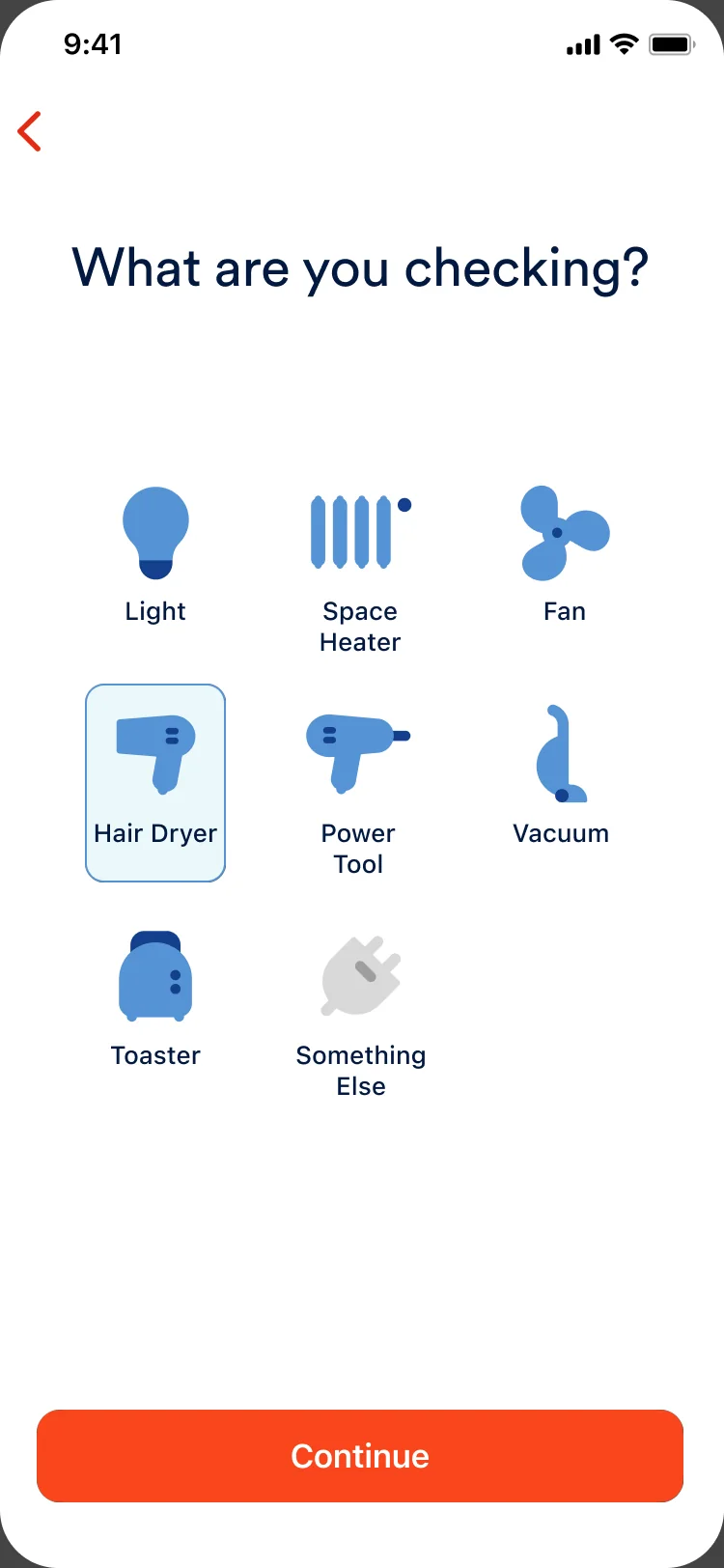
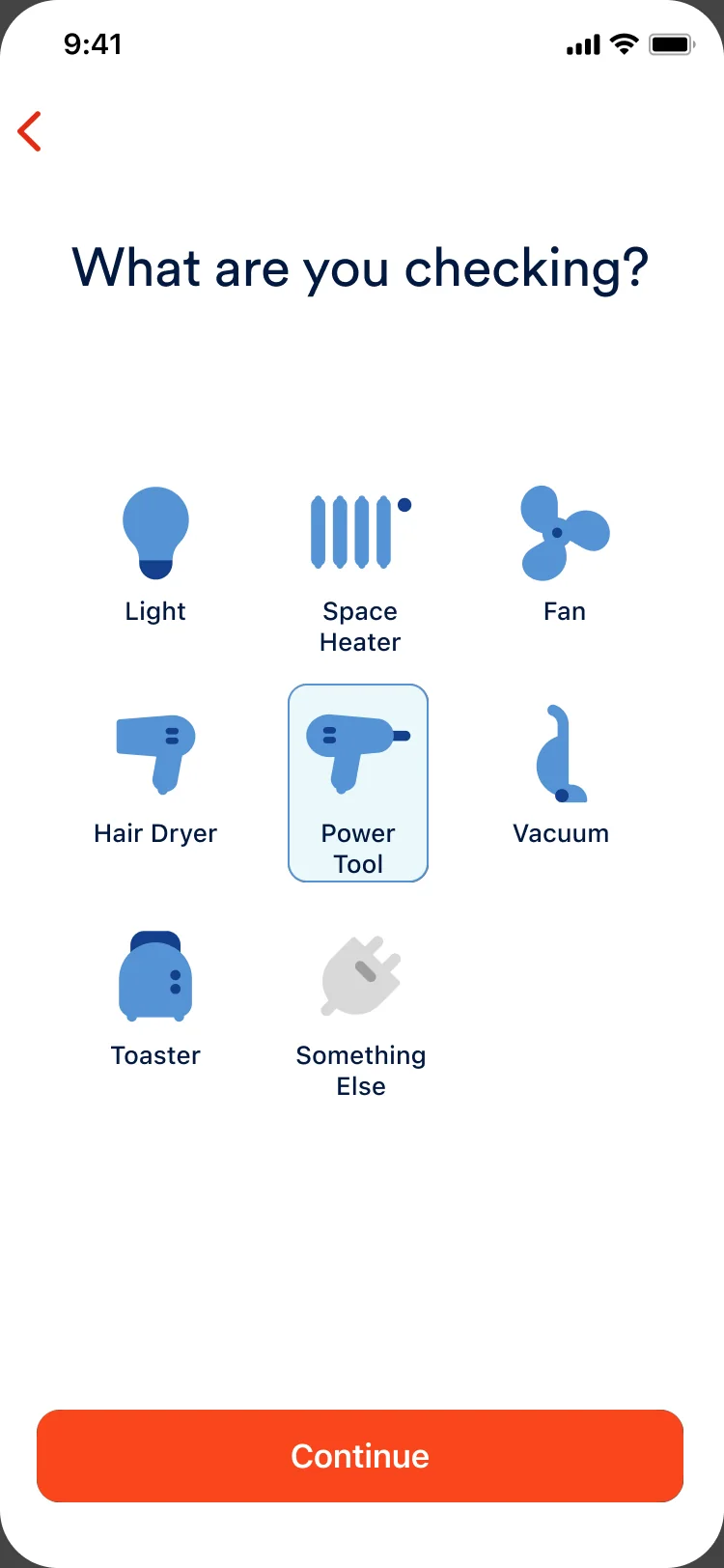
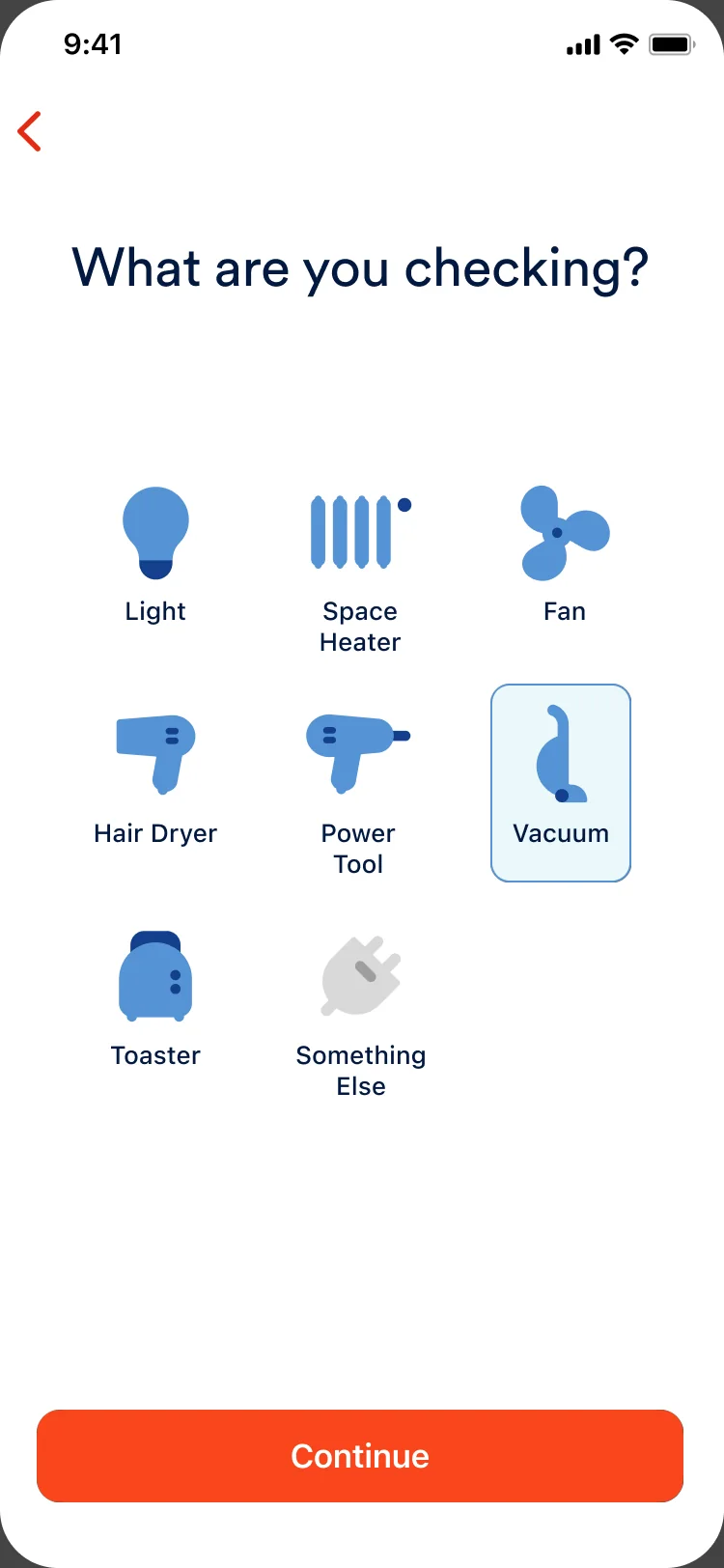
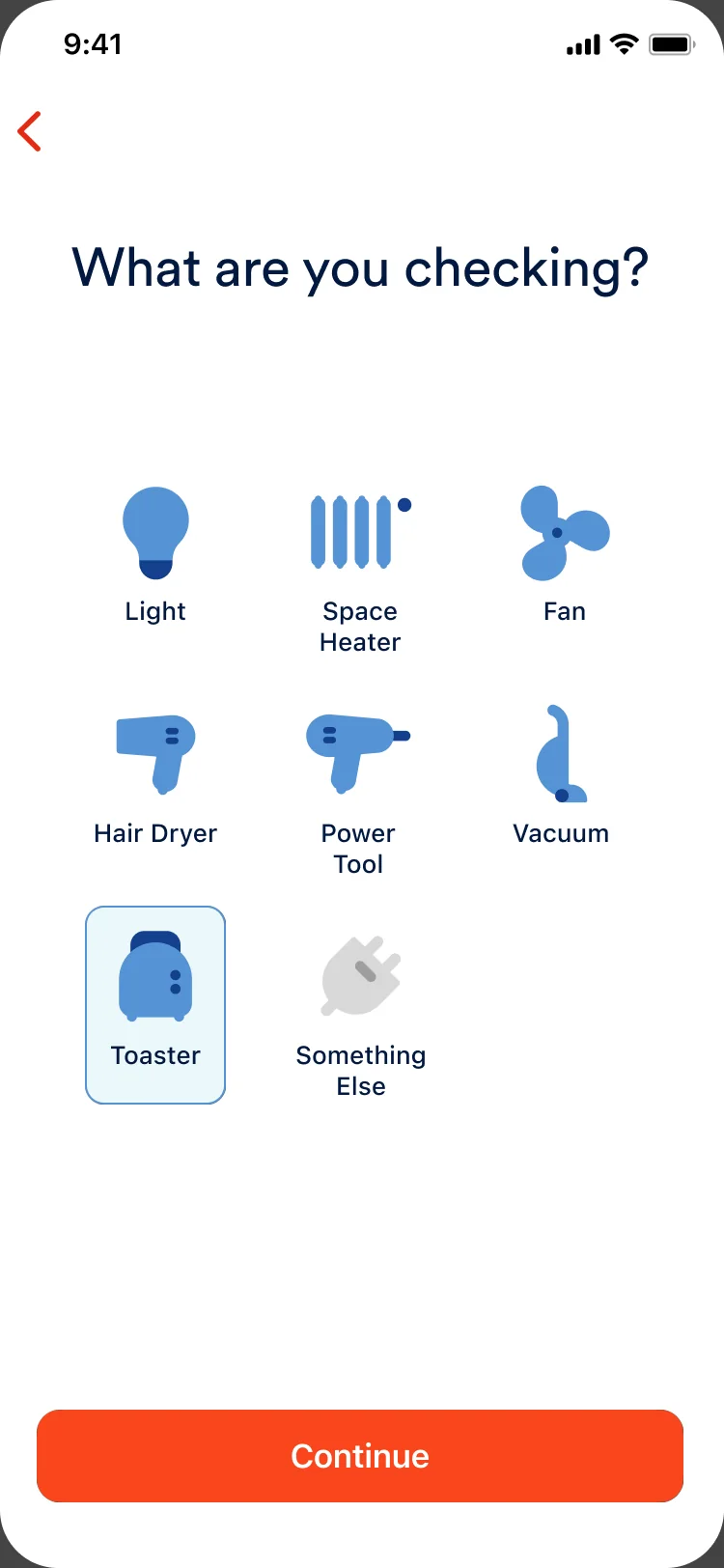
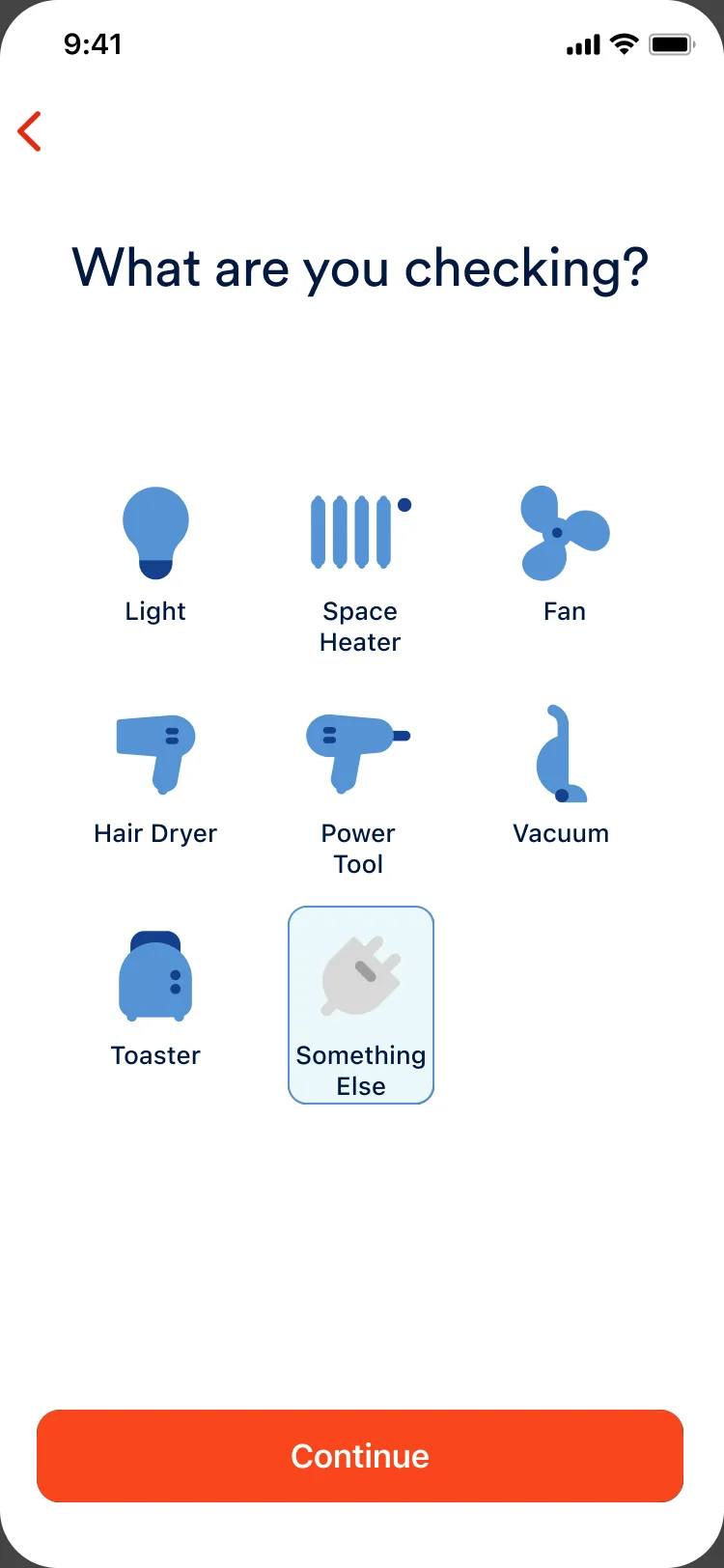
I designed device selection as the primary UX lever for balancing curiosity with accuracy. Instead of asking users to guess what might work, we surfaced a curated set of eligible devices, each vetted for reliable measurement. This shifted the experience from trial and error to confident exploration, while quietly enforcing system constraints without friction or warnings.
Device selection was intentionally limited to a single device, with the Continue action activating only after a clear choice, setting expectations early and protecting result accuracy.
Something Else
Curiosity beyond the list.
While device selection made eligibility explicit, we also needed to acknowledge that users’ curiosity wouldn’t stop at a predefined list. “Something Else” was designed as a controlled extension, allowing users to explore adjacent devices without overstating accuracy.
By routing unsupported devices through a separate path, we preserved trust in the results while creating a lightweight way to capture intent. Users got an honest experience when measurement wasn’t guaranteed, and the team gained clear signal on what people wanted to check next. This became a key input into future device eligibility expansion.
Something Else, in the device grid

Interaction tradeoffs
Design tradeoffs: animation and feasibility.
I explored a bubble-based measurement animation inspired by the Sense app’s Now screen energy bubbles, to create visual continuity and make device detection feel dynamic and contextual. While the concept tested well visually, engineering feasibility and performance constraints made it impractical to ship reliably.
We made a deliberate tradeoff to reuse the proven Watt Check for Lights animation pattern, preserving clarity, responsiveness, and delivery confidence while still supporting the core need: fast, understandable feedback.
Bubble animation concept, built in Figma Make
Discovery and results
Designing the discovery and results experience.
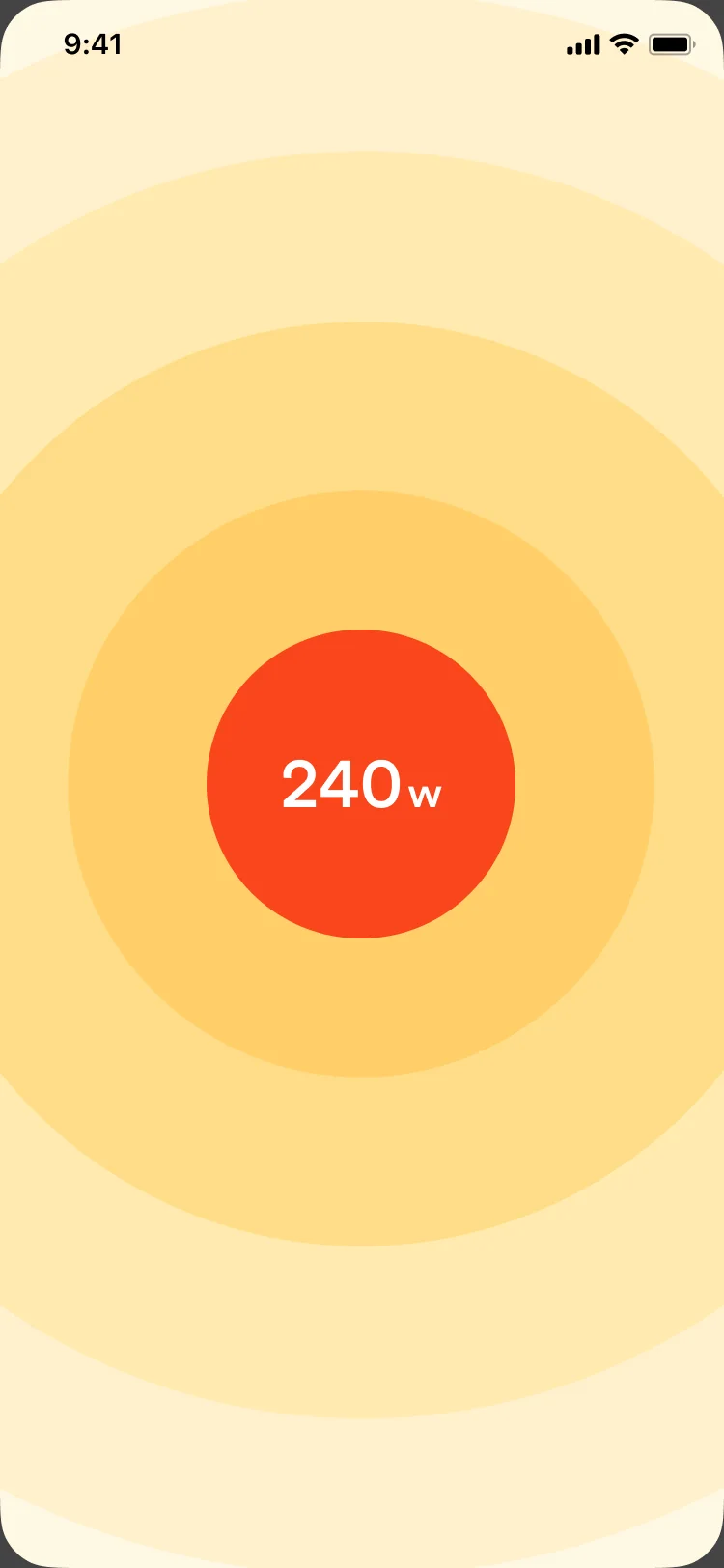
Because the core countdown and capture flow was reused from Watt Check for Lights, an already validated measurement pattern, my focus was on the discovery and results states, where raw detection becomes something people can understand and act on.
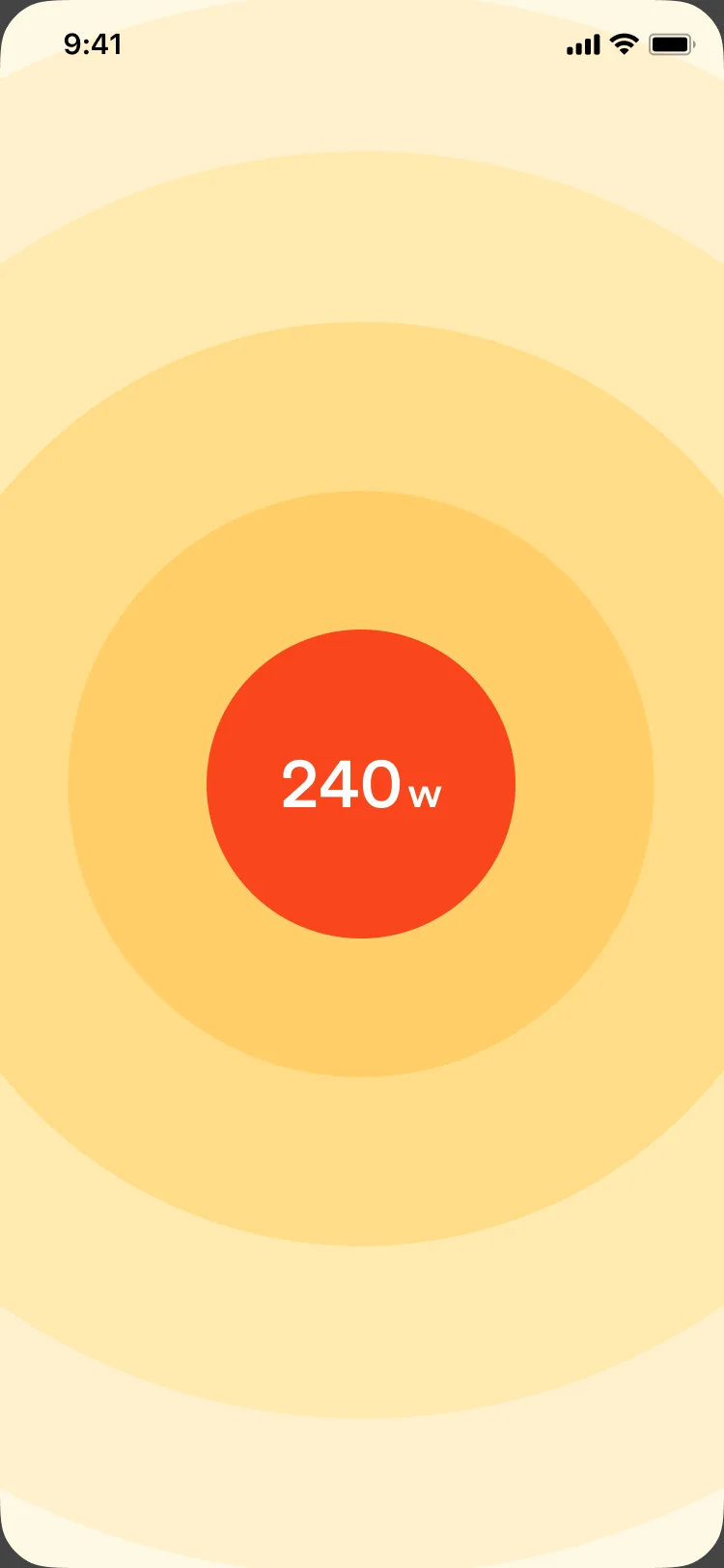
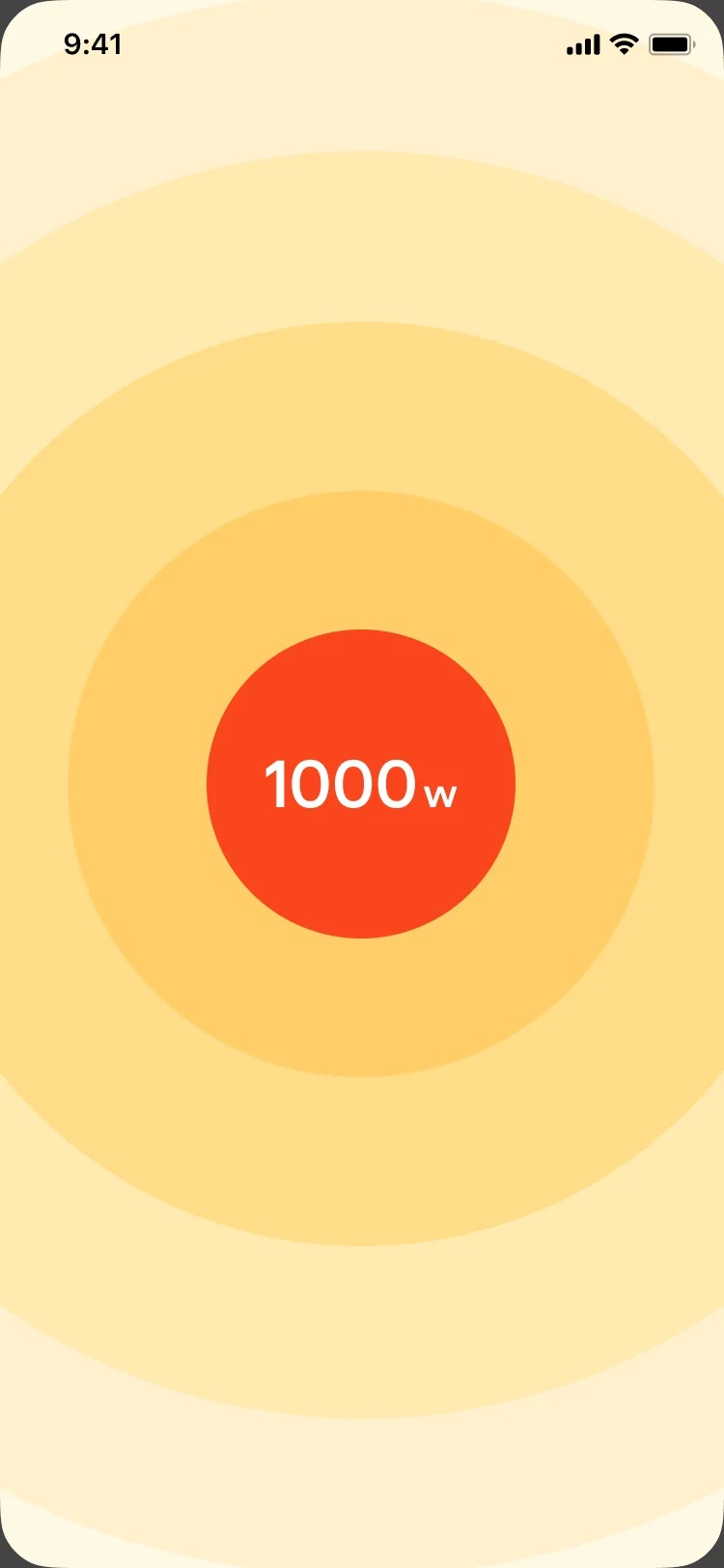
I designed the detection feedback and results presentation to make signal strength feel tangible, translate watts into cost, and clearly guide next actions. The radial energy bands and centered watt value connected the moment of detection to Sense’s broader energy language while keeping the outcome simple and trustworthy.
Discovery to results
Results anatomy
Designing actionable results.
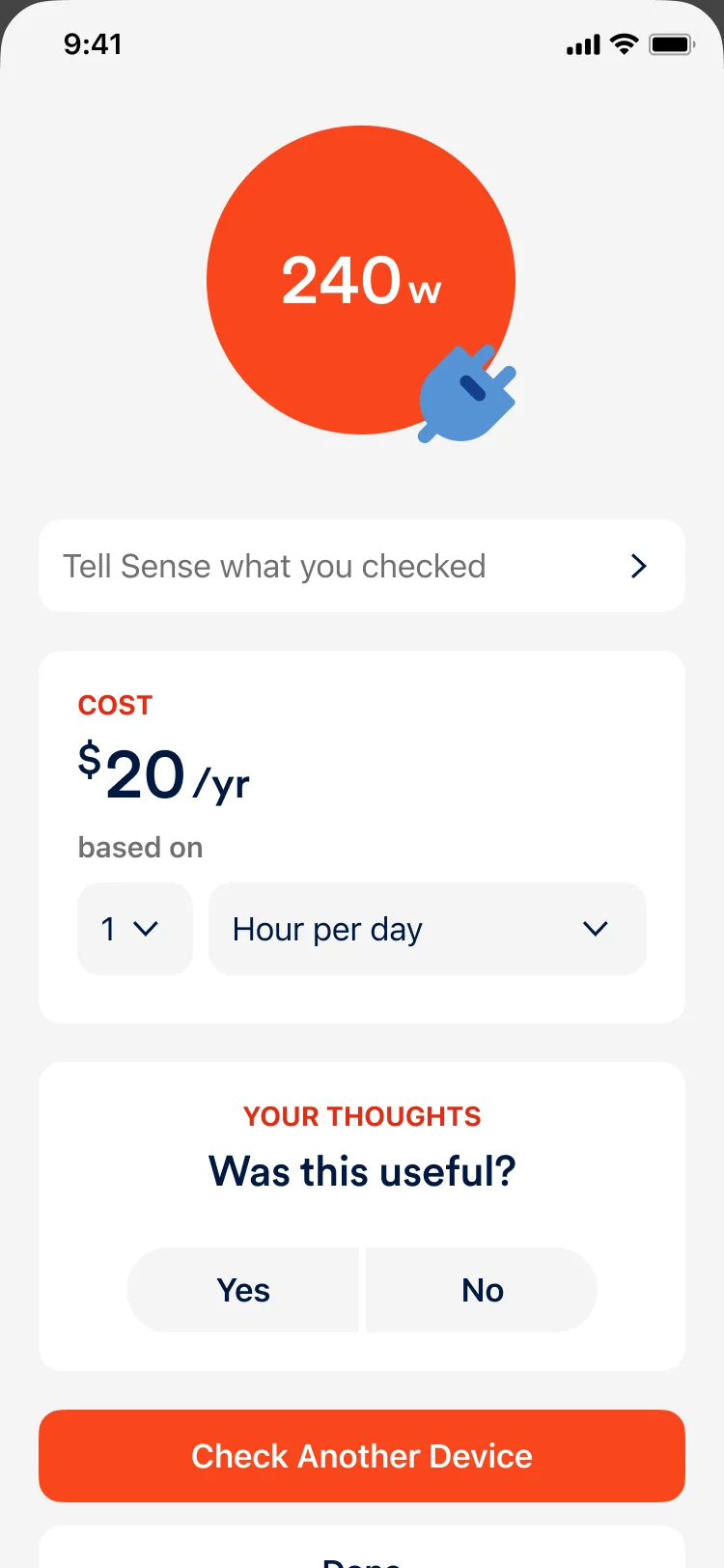
The results screen needed to do more than report wattage; it had to support interpretation, personalization, and product learning. The layout adapts to what was checked, pairing the measurement with a contextual cost estimate and a lightweight feedback prompt. For unsupported devices, “Tell Sense what you checked” created a structured way to capture intent, turning edge cases into product signal while staying honest about accuracy.
Results anatomy

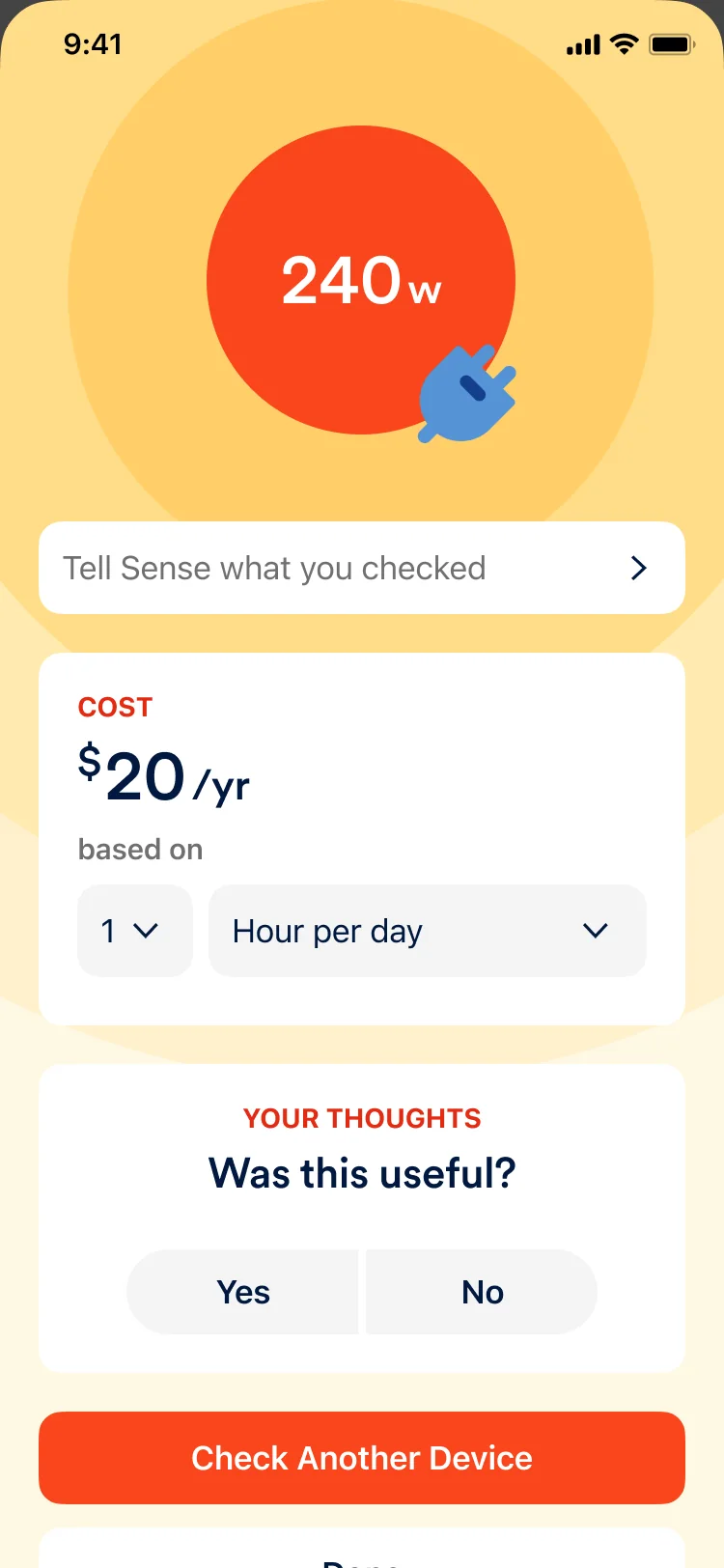
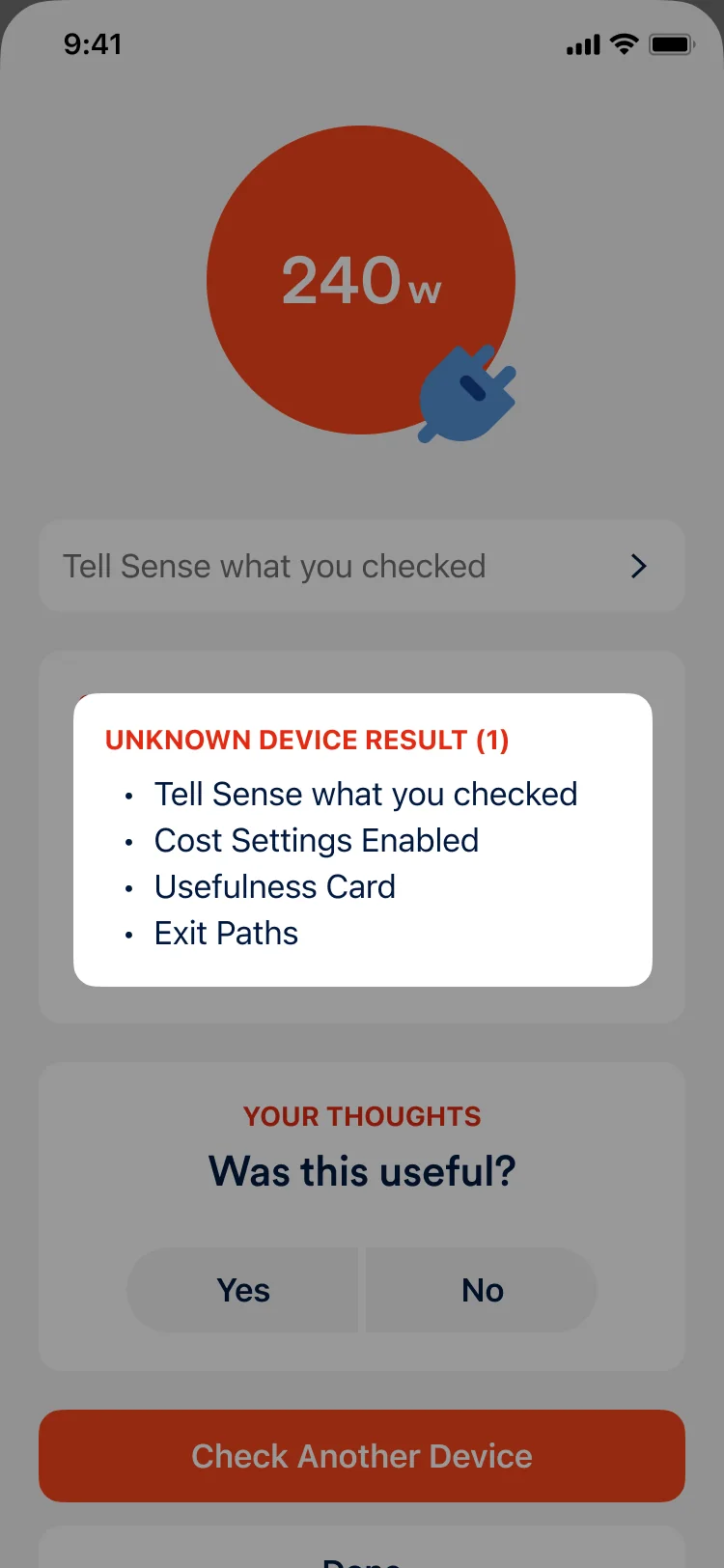
Unknown device result (1): Tell Sense what you checked, cost settings enabled, usefulness card, exit paths.
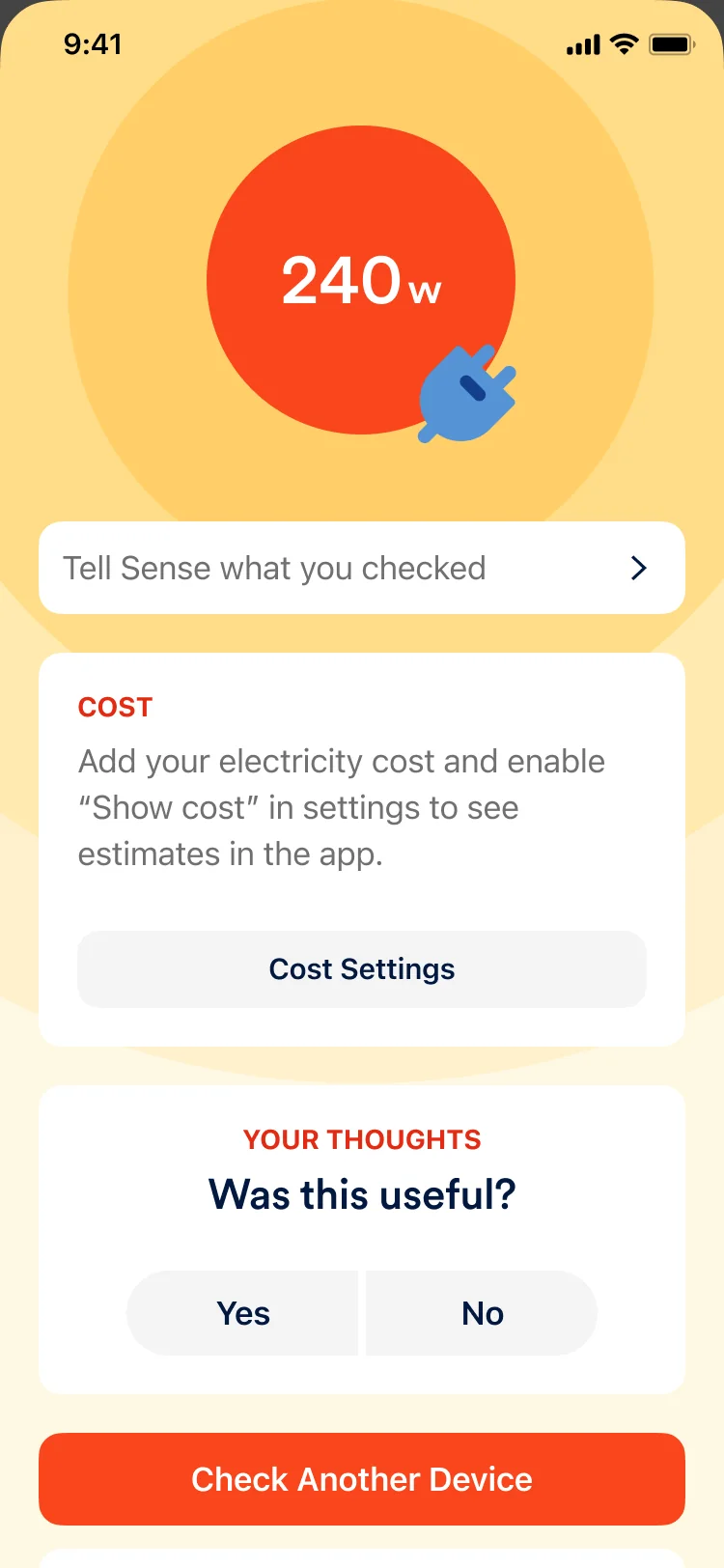
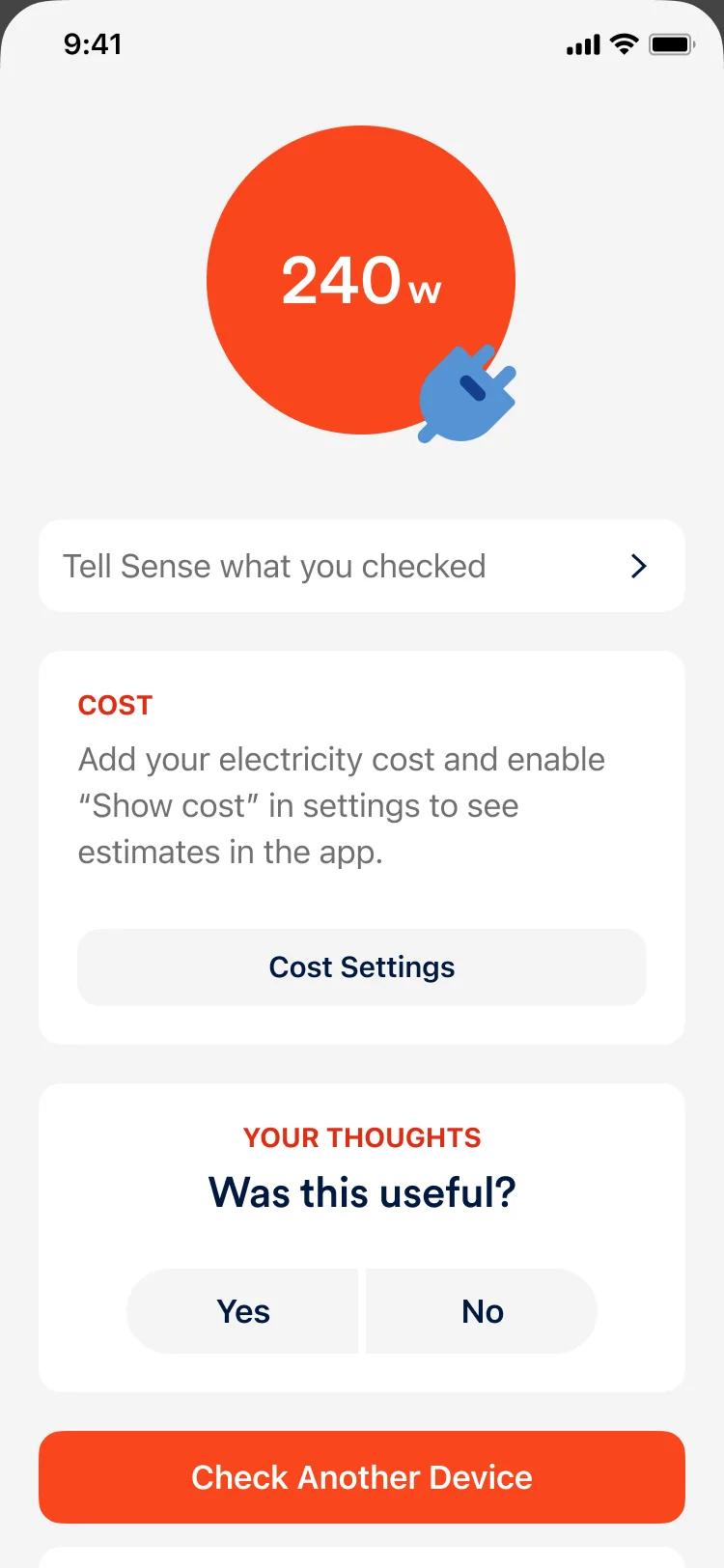
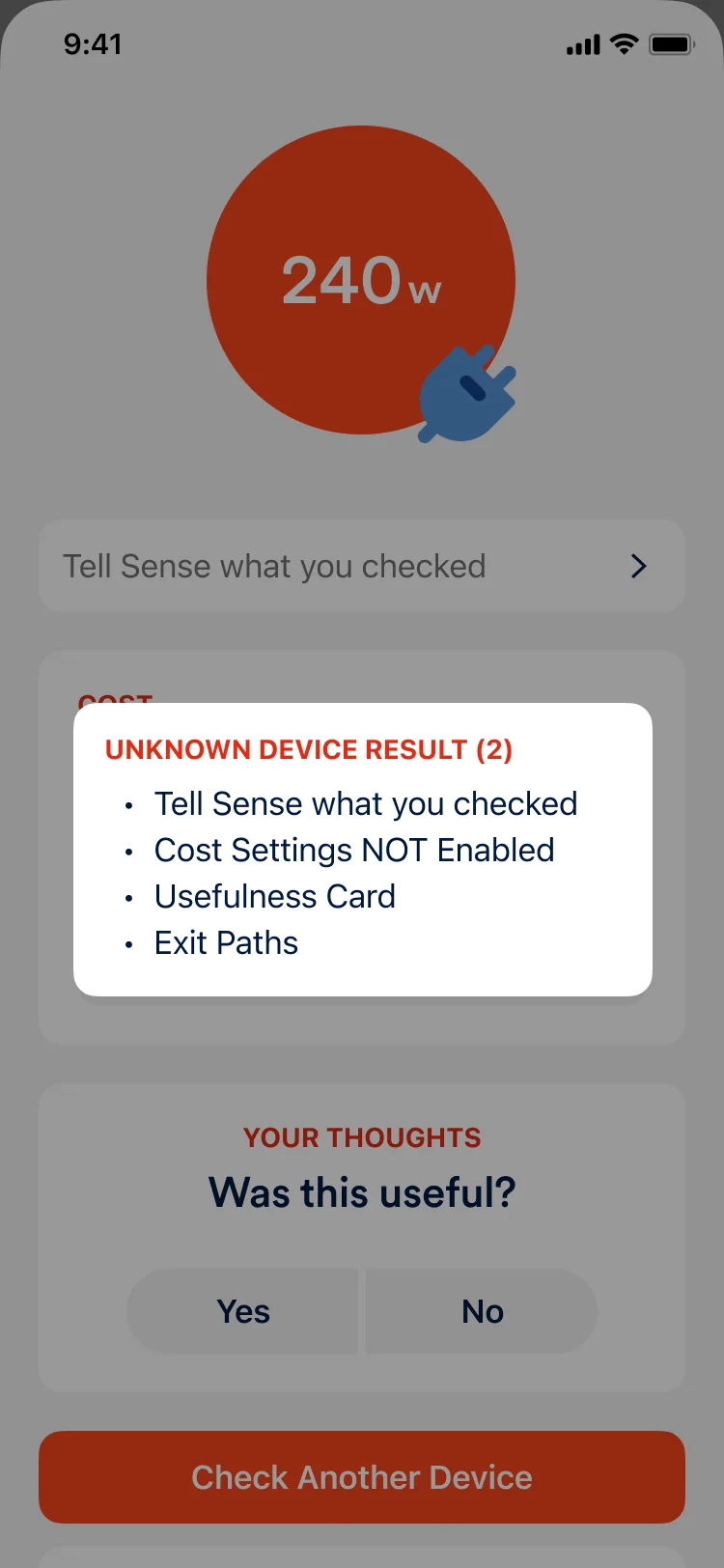
Unknown device result (2): Tell Sense what you checked, cost settings not enabled, usefulness card, exit paths.
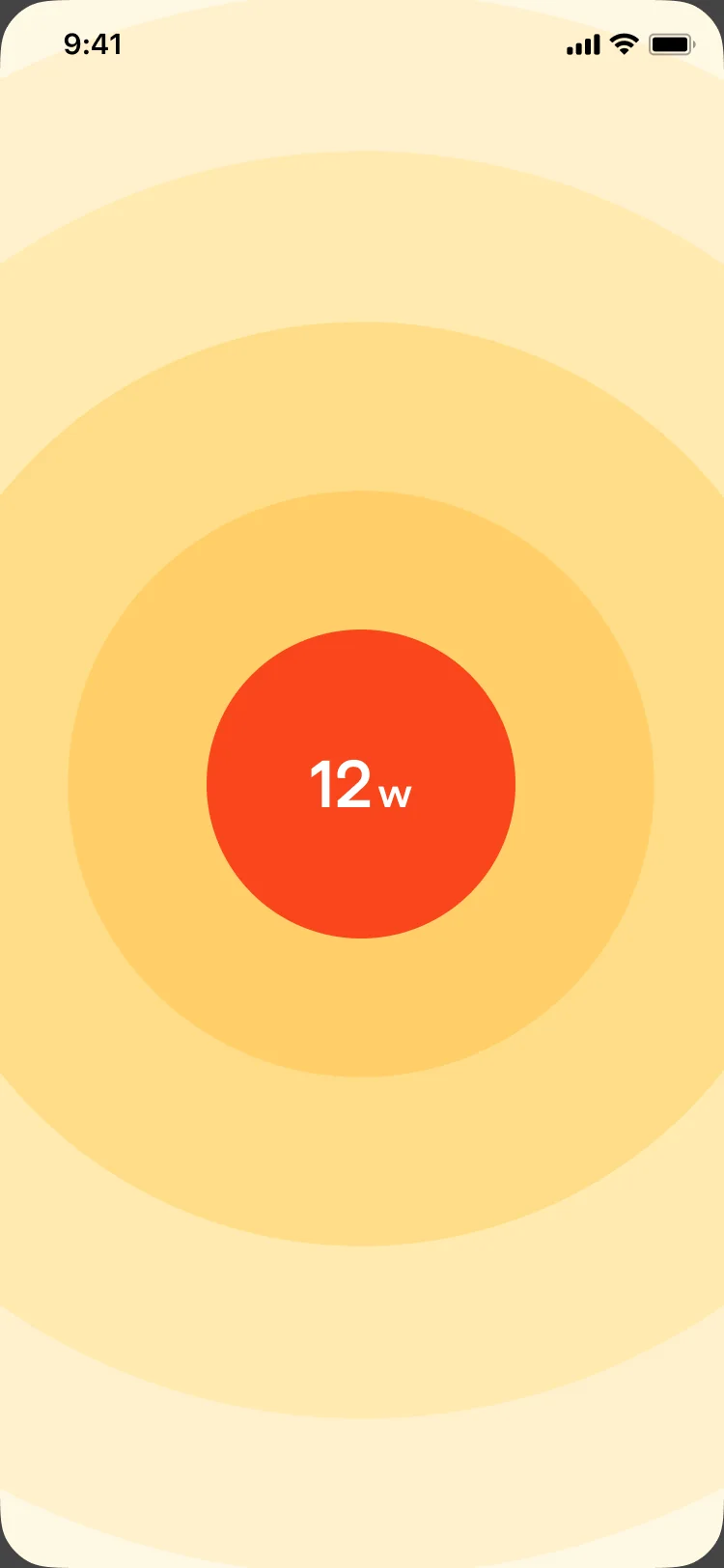
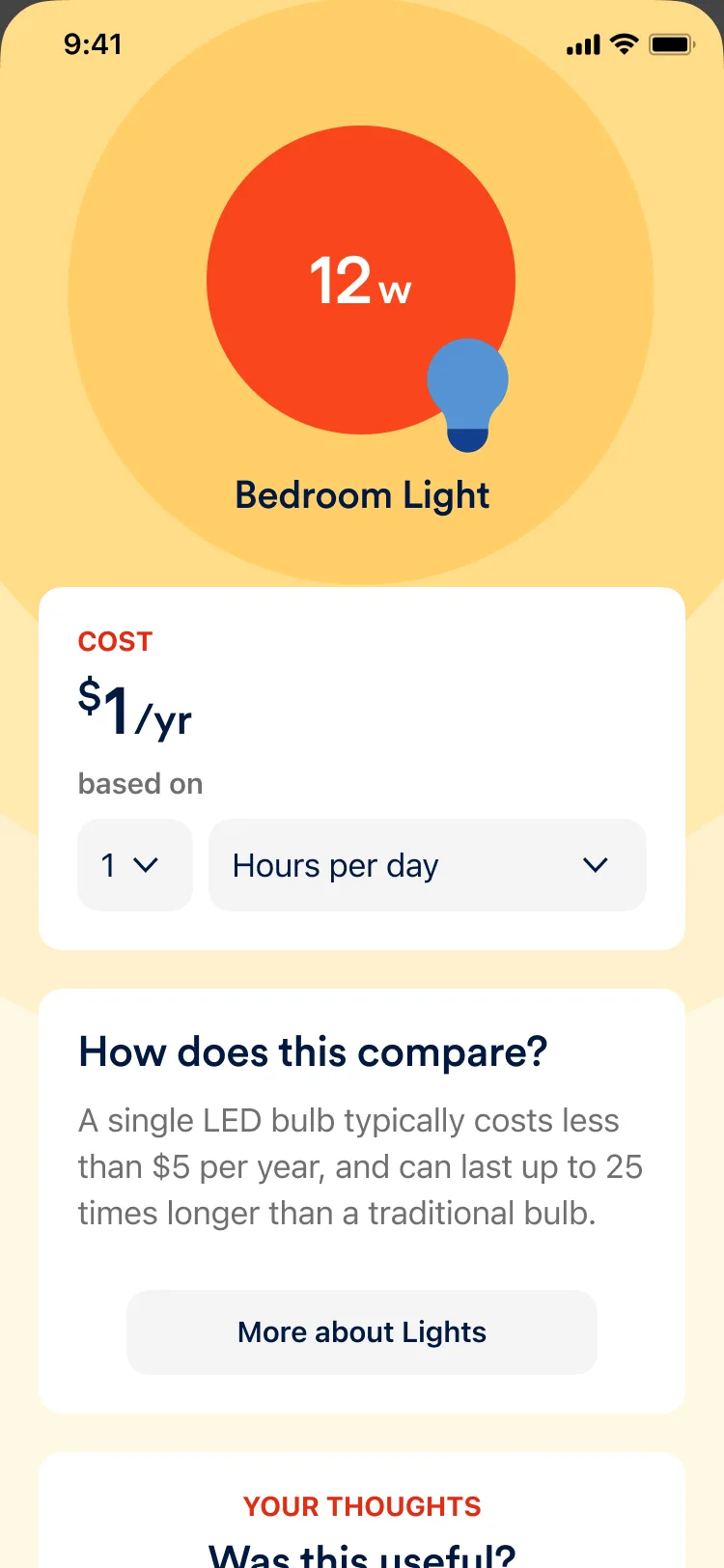
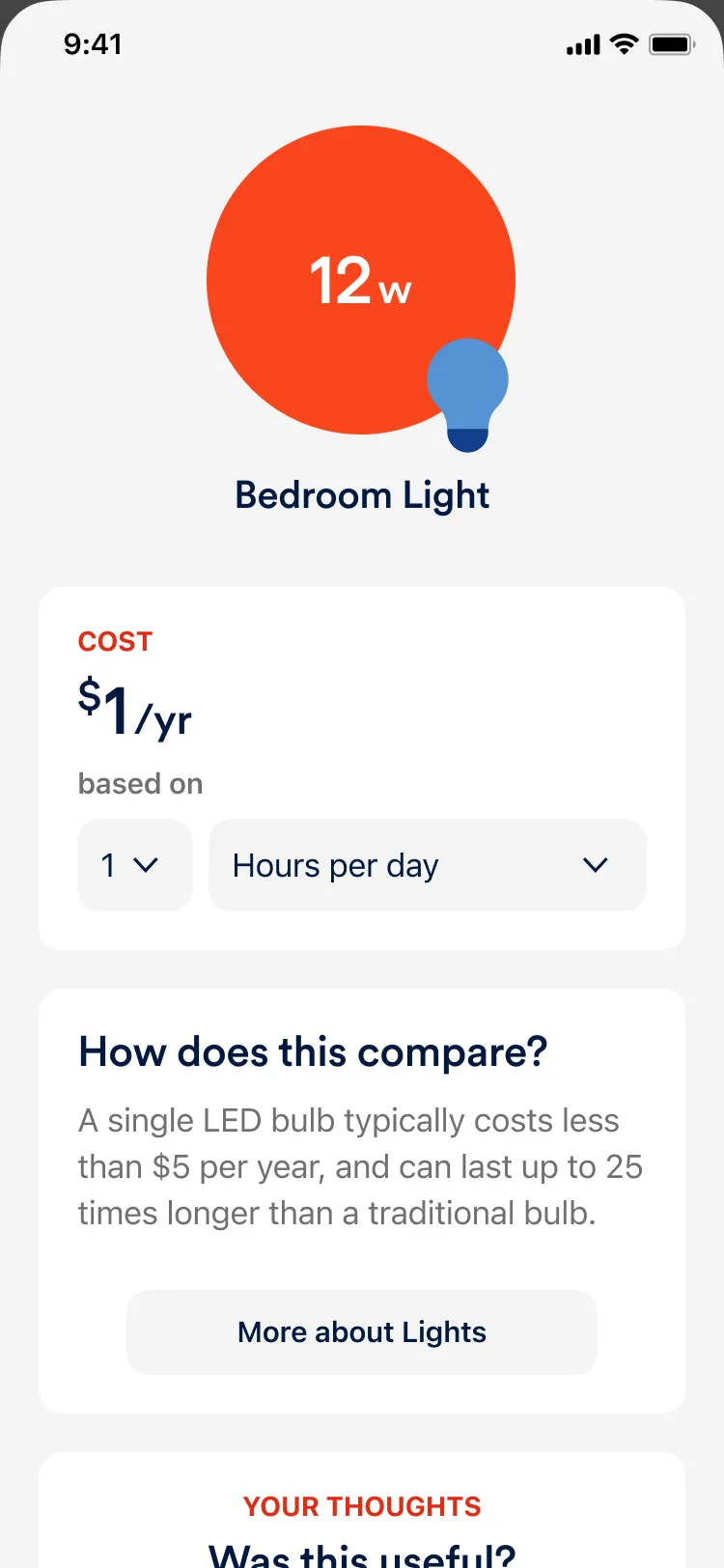
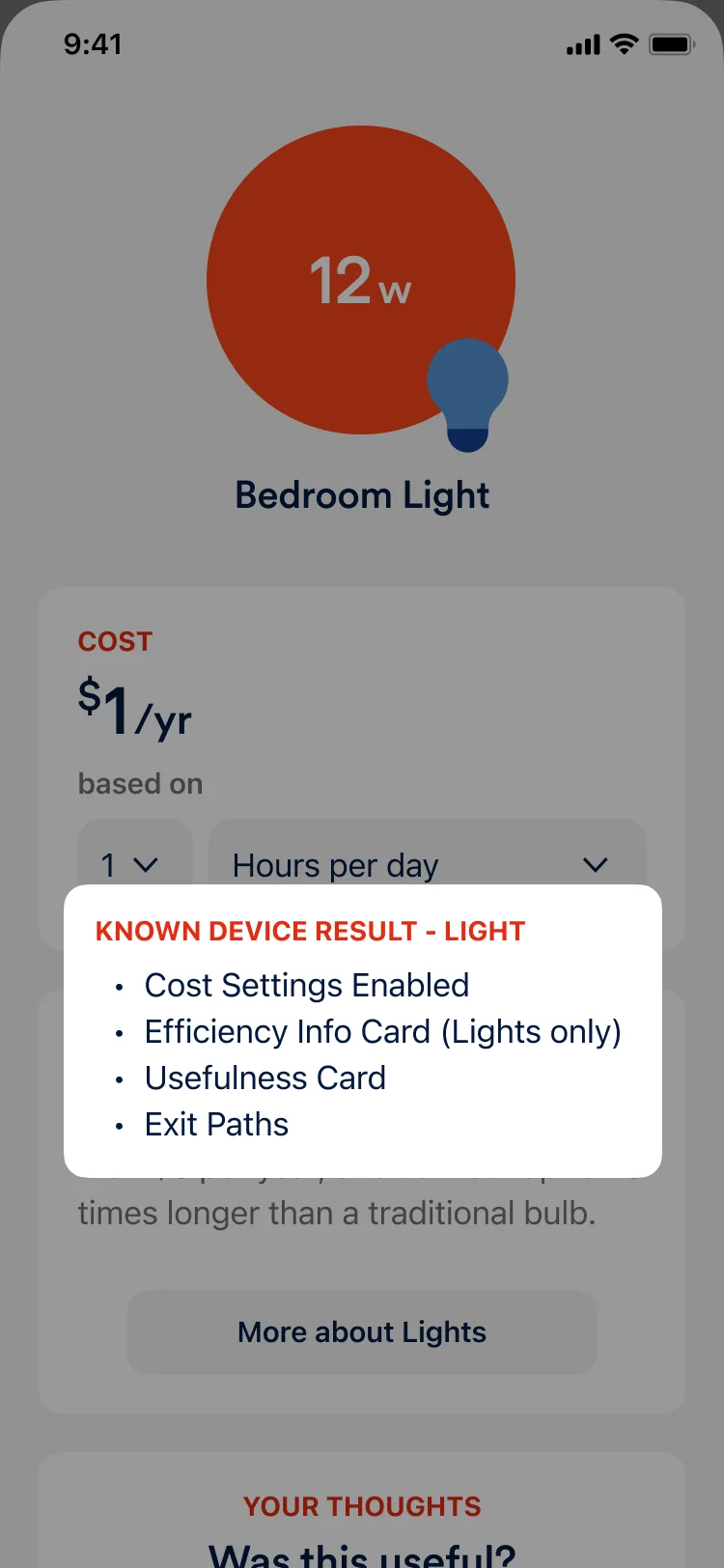
Known device result, light: cost settings enabled, efficiency info card (lights only), usefulness card, exit paths.
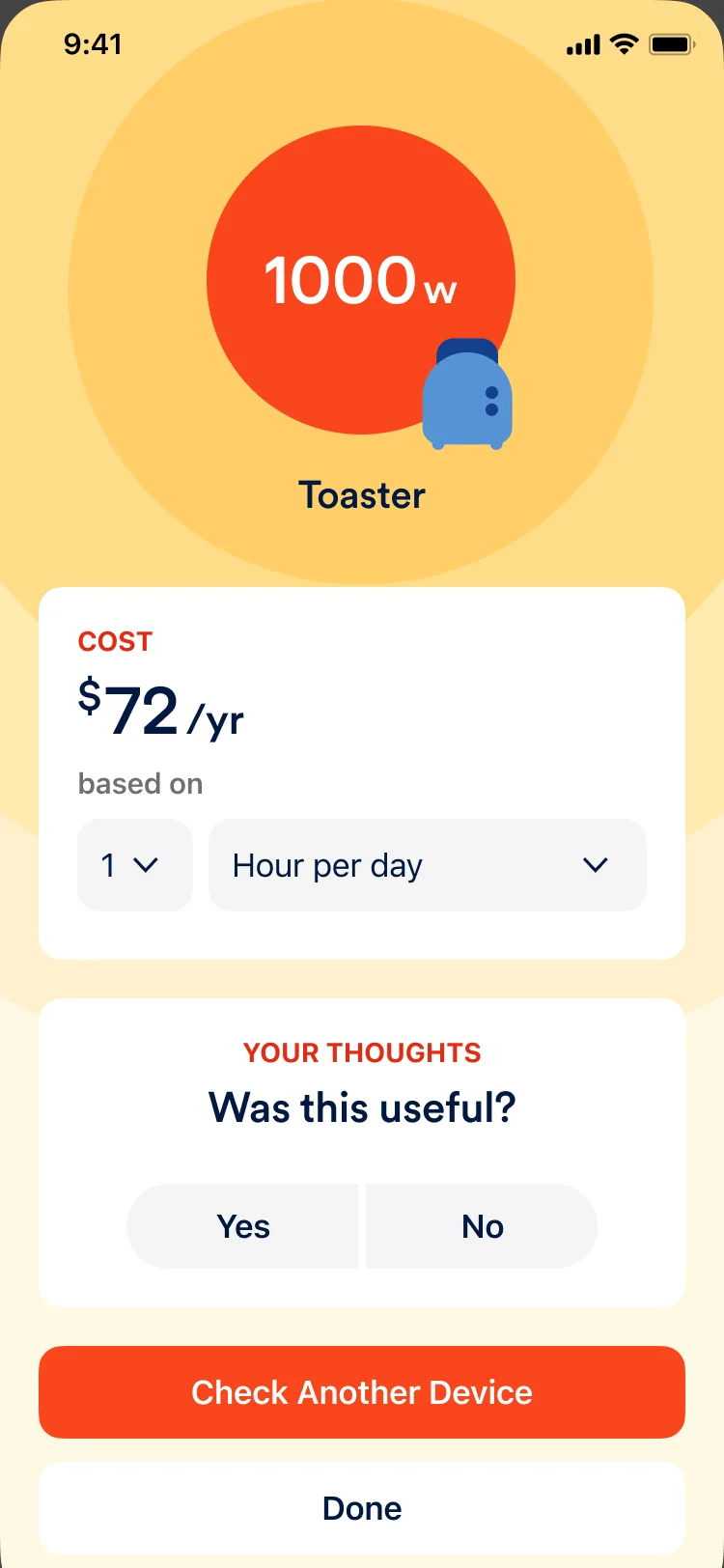
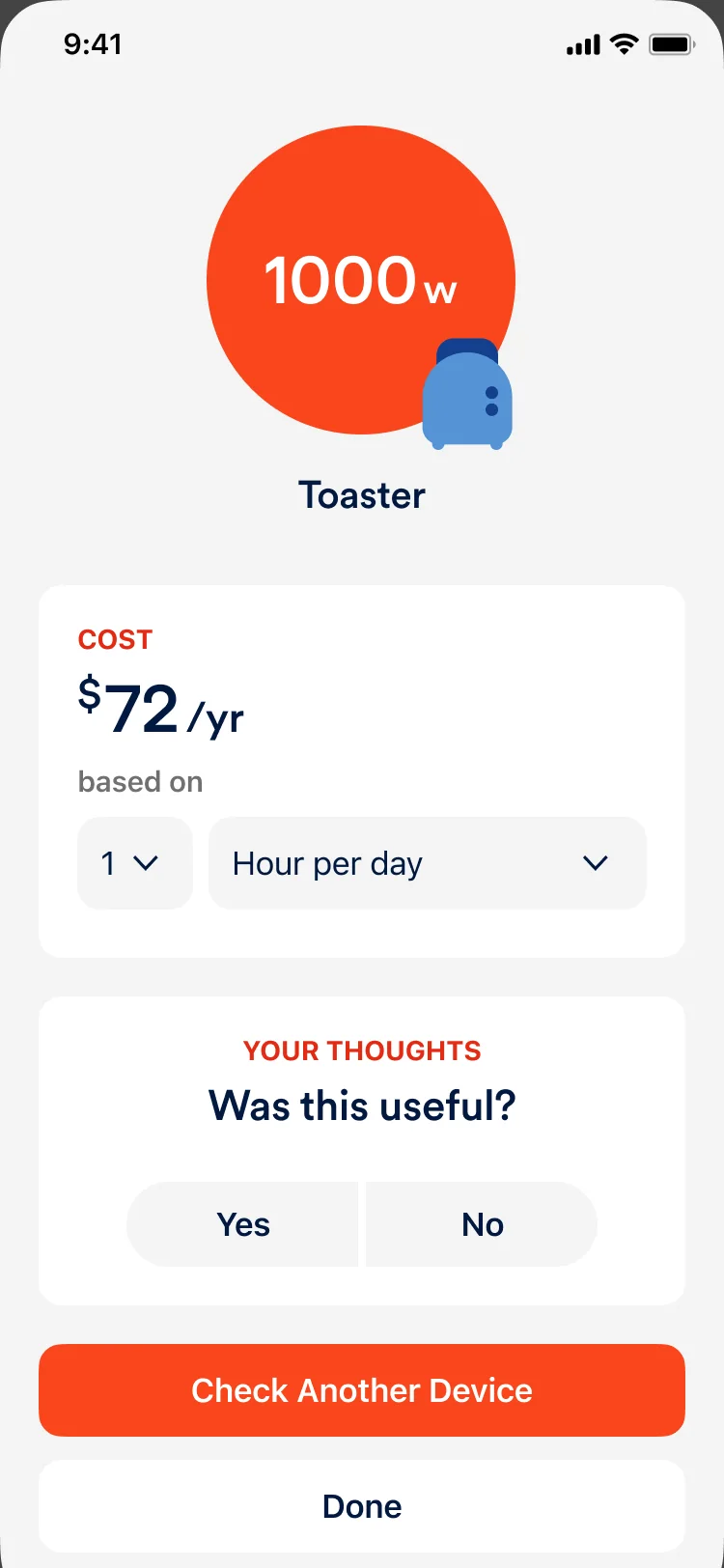
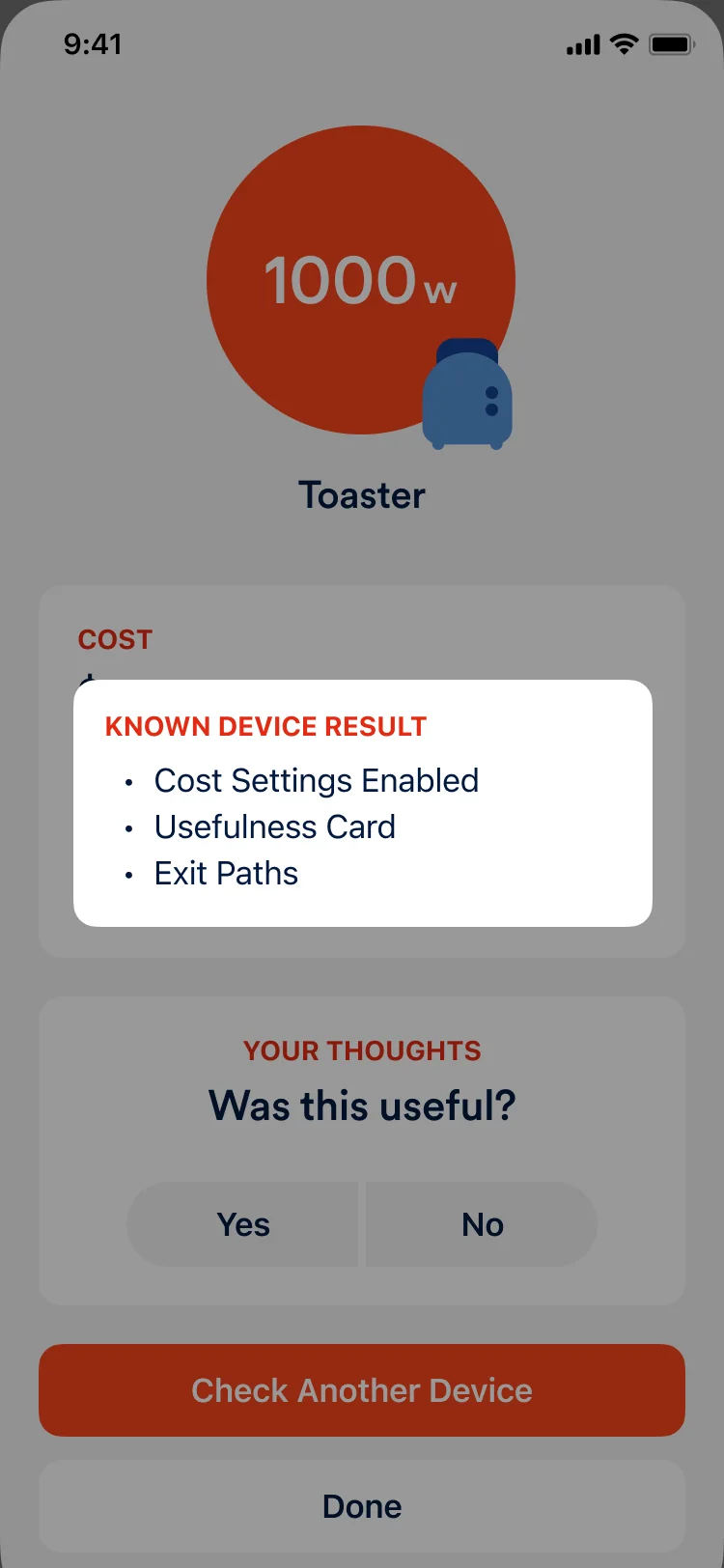
Known device result: cost settings enabled, usefulness card, exit paths.
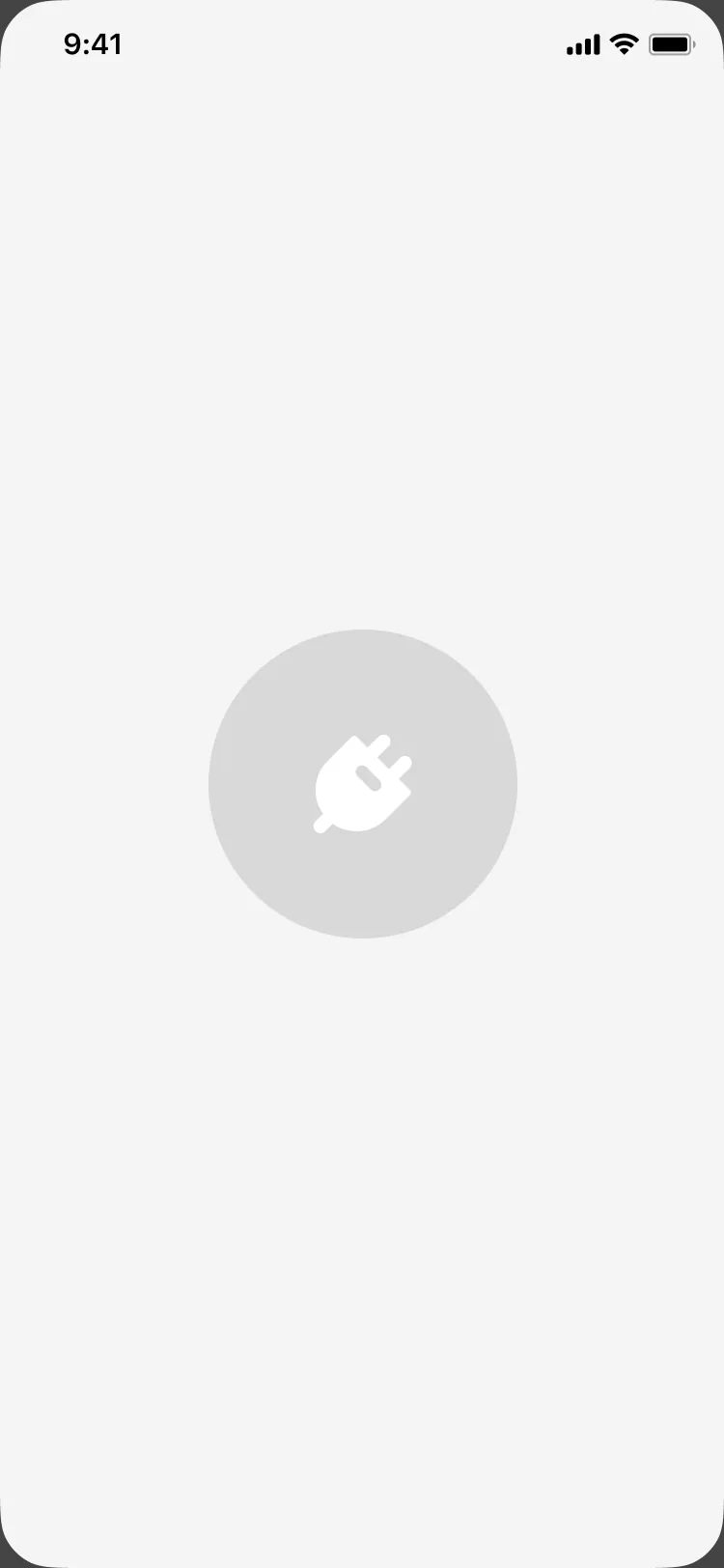
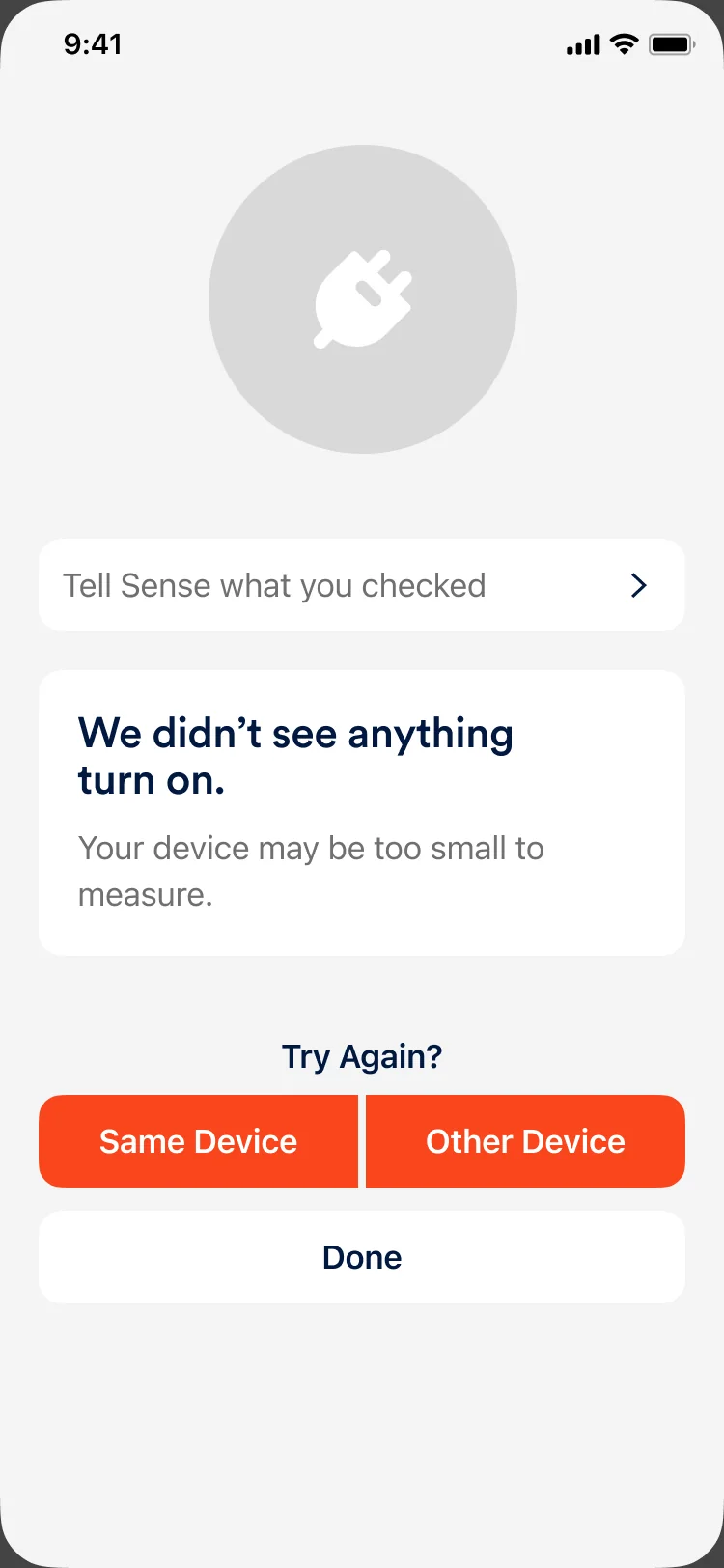
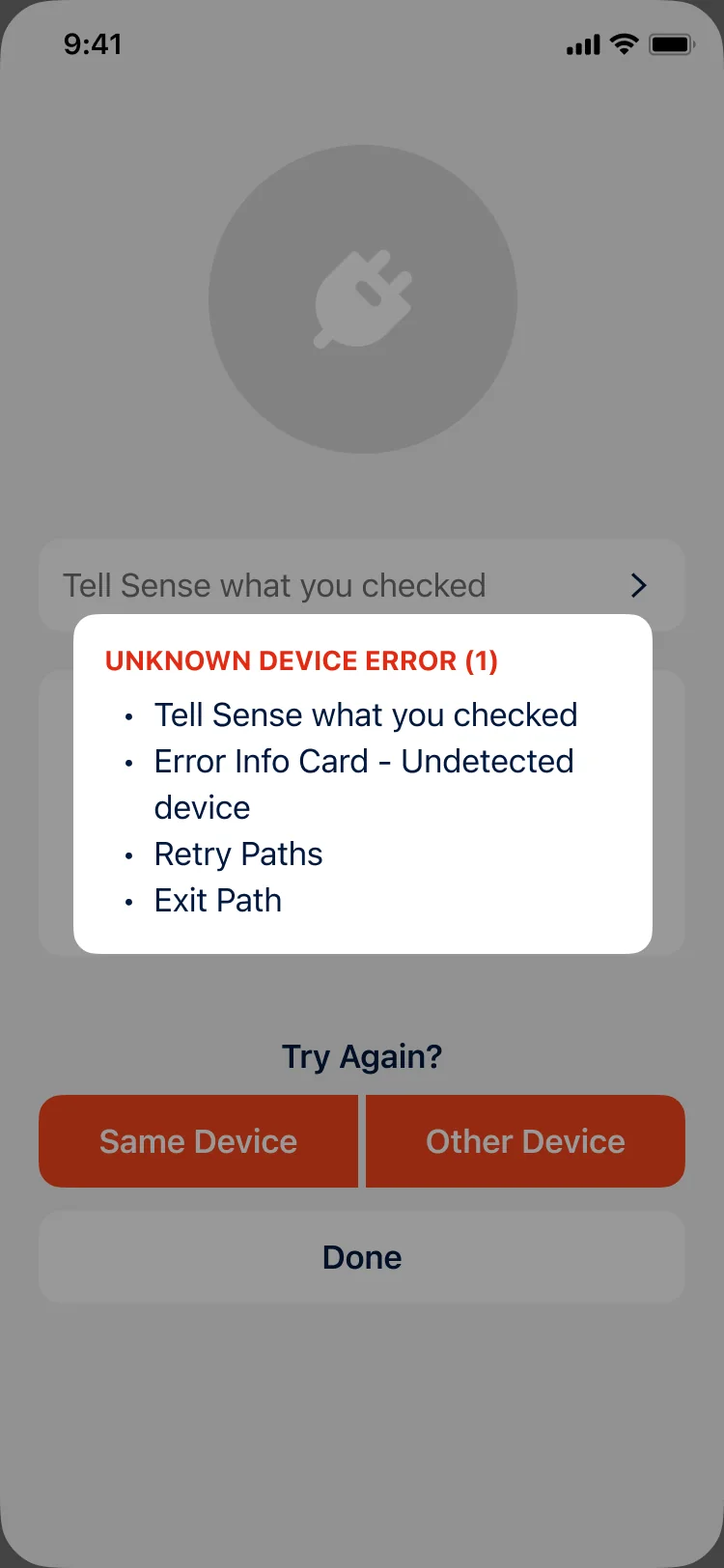
Unknown device error (1): Tell Sense what you checked, error info card for an undetected device, retry paths, exit path.
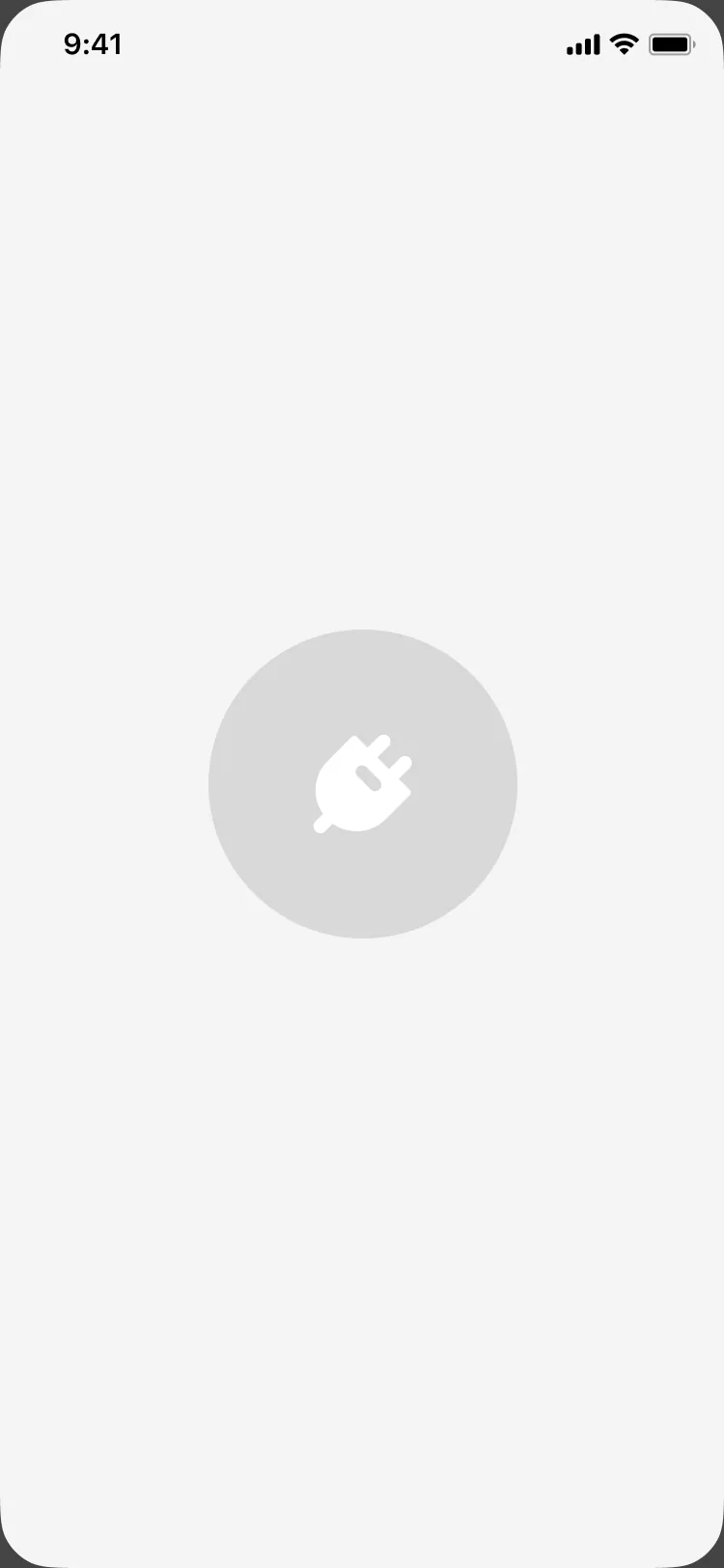
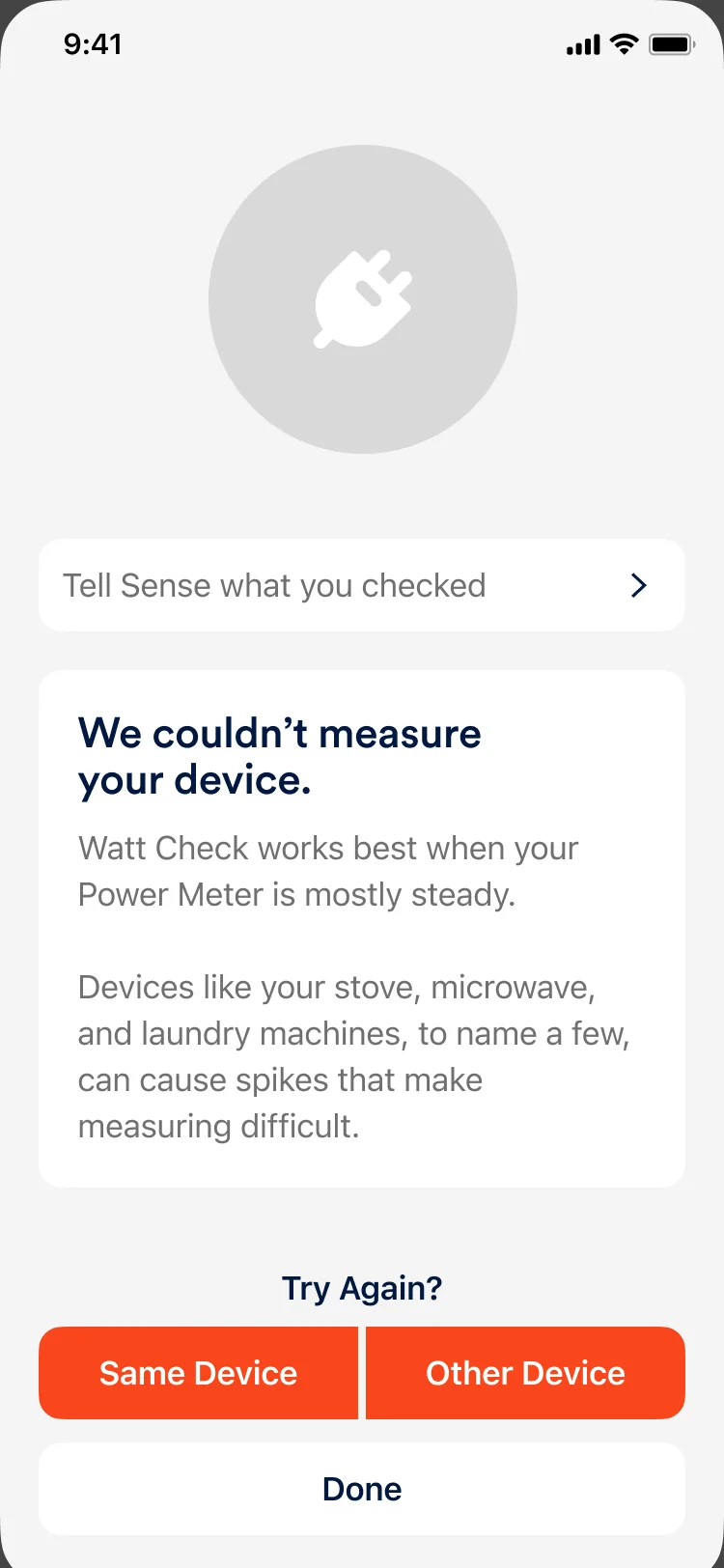
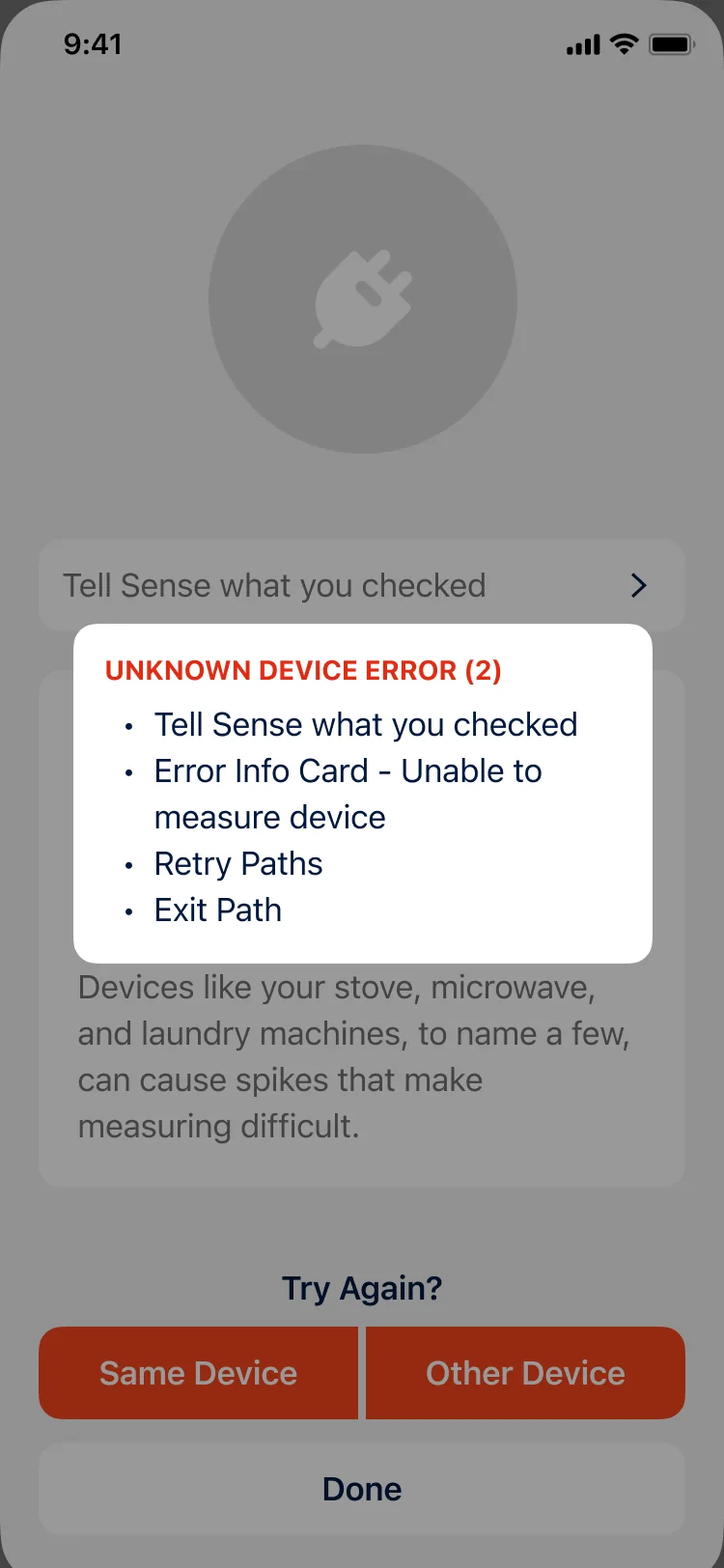
Unknown device error (2): Tell Sense what you checked, error info card for a device it couldn’t measure, retry paths, exit path.
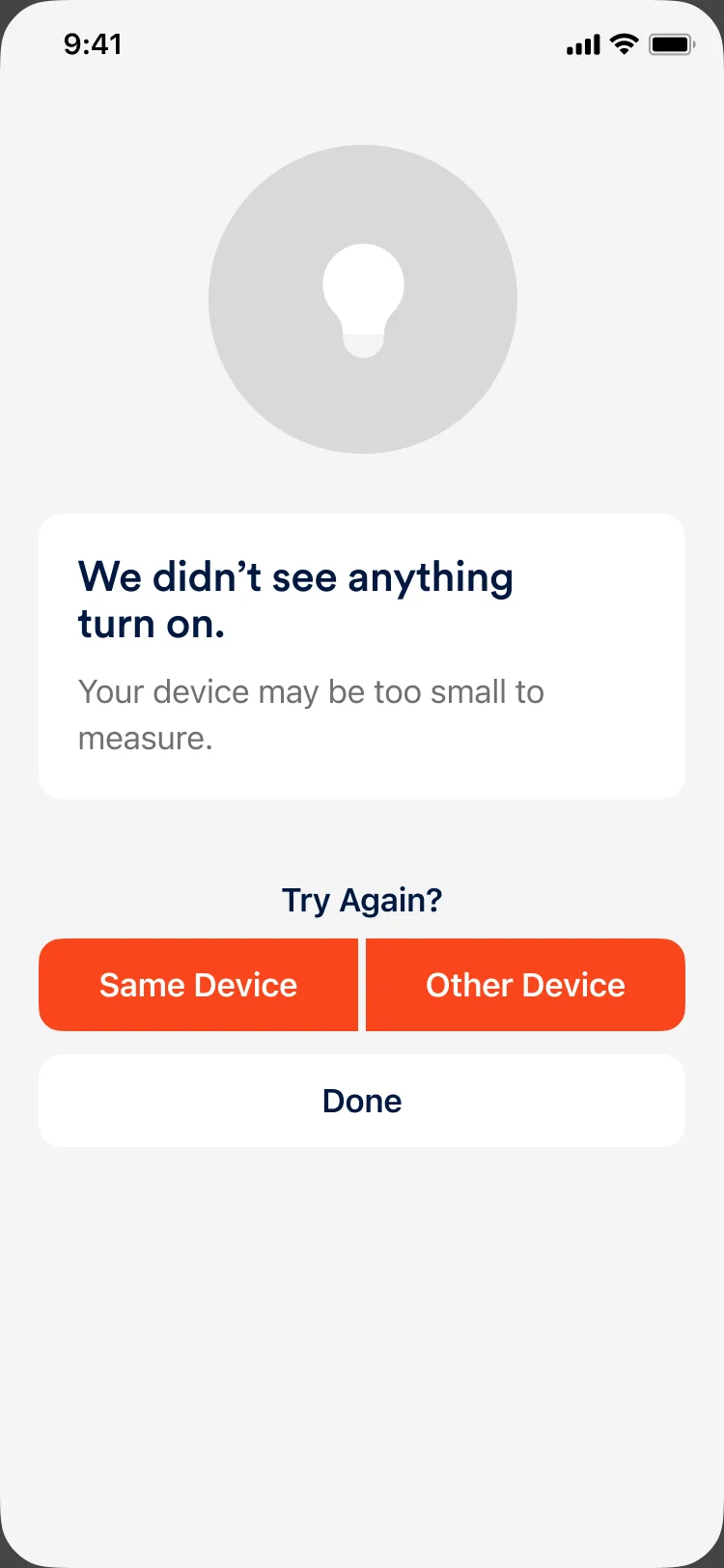
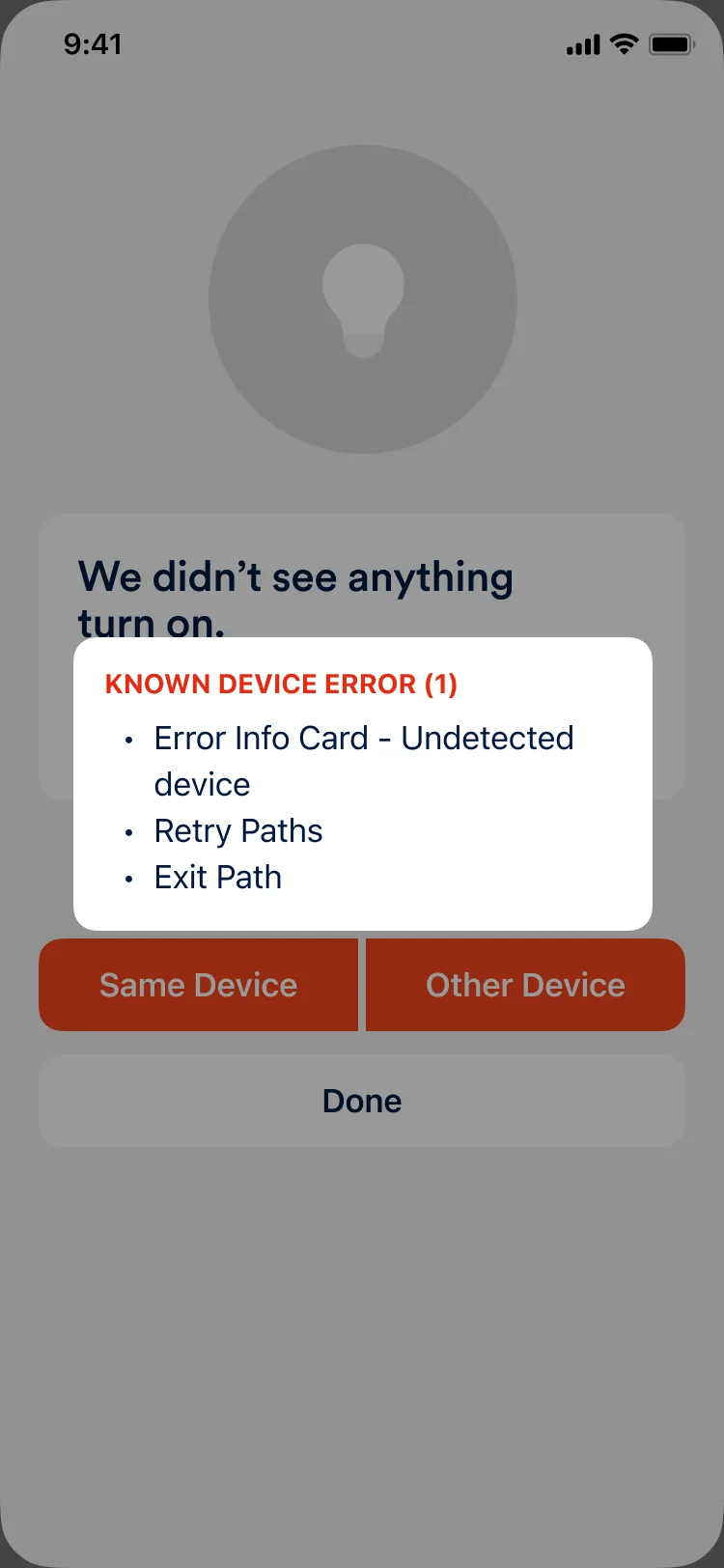
Known device error (1): error info card for an undetected device, retry paths, exit path.
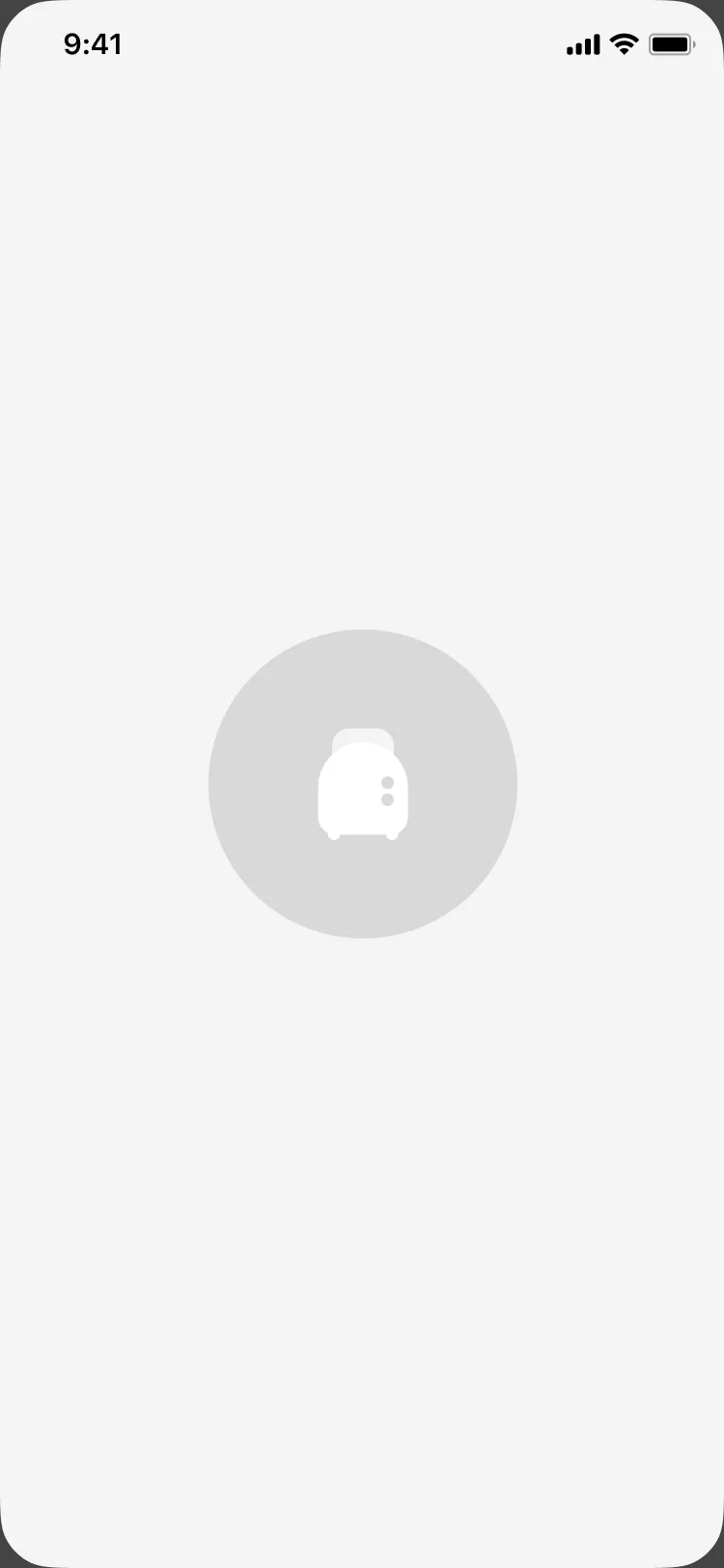
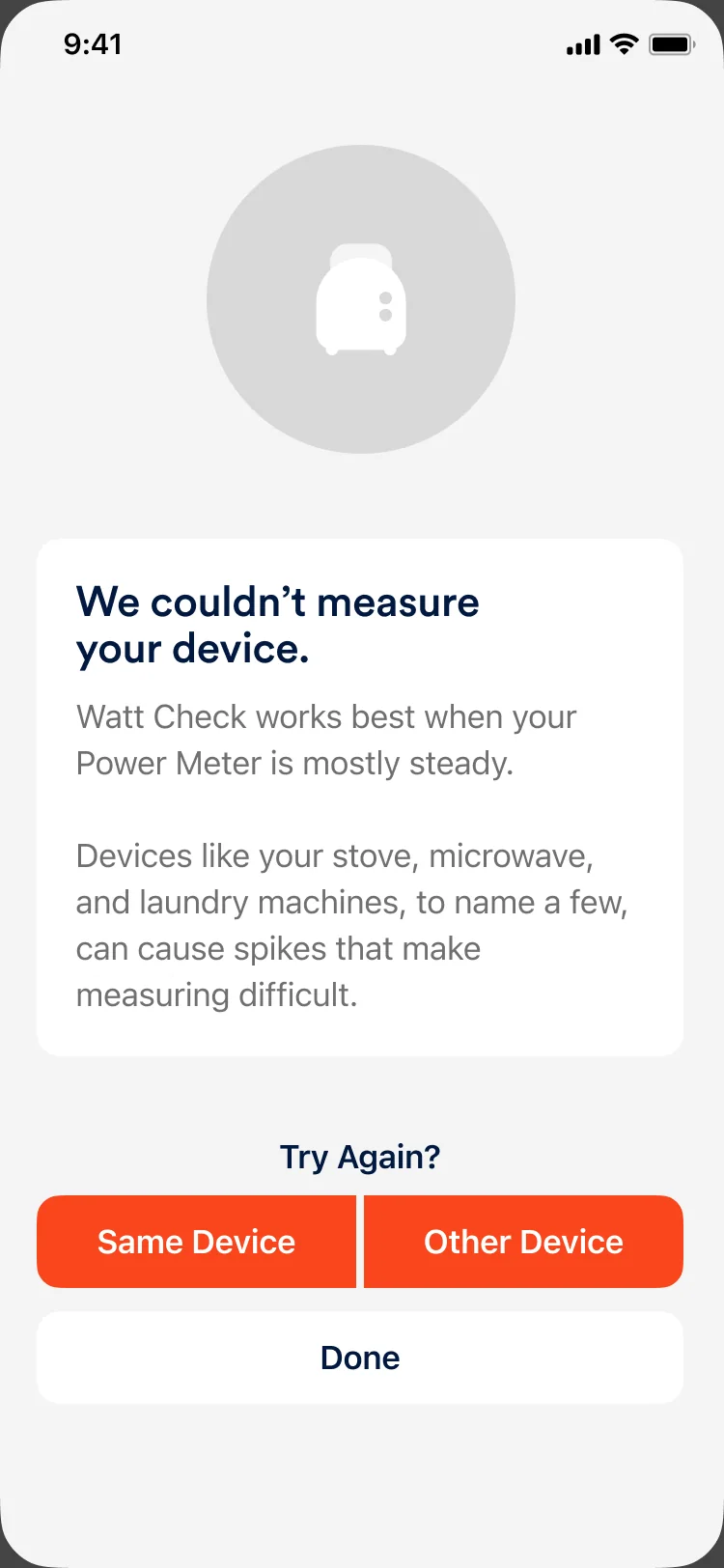
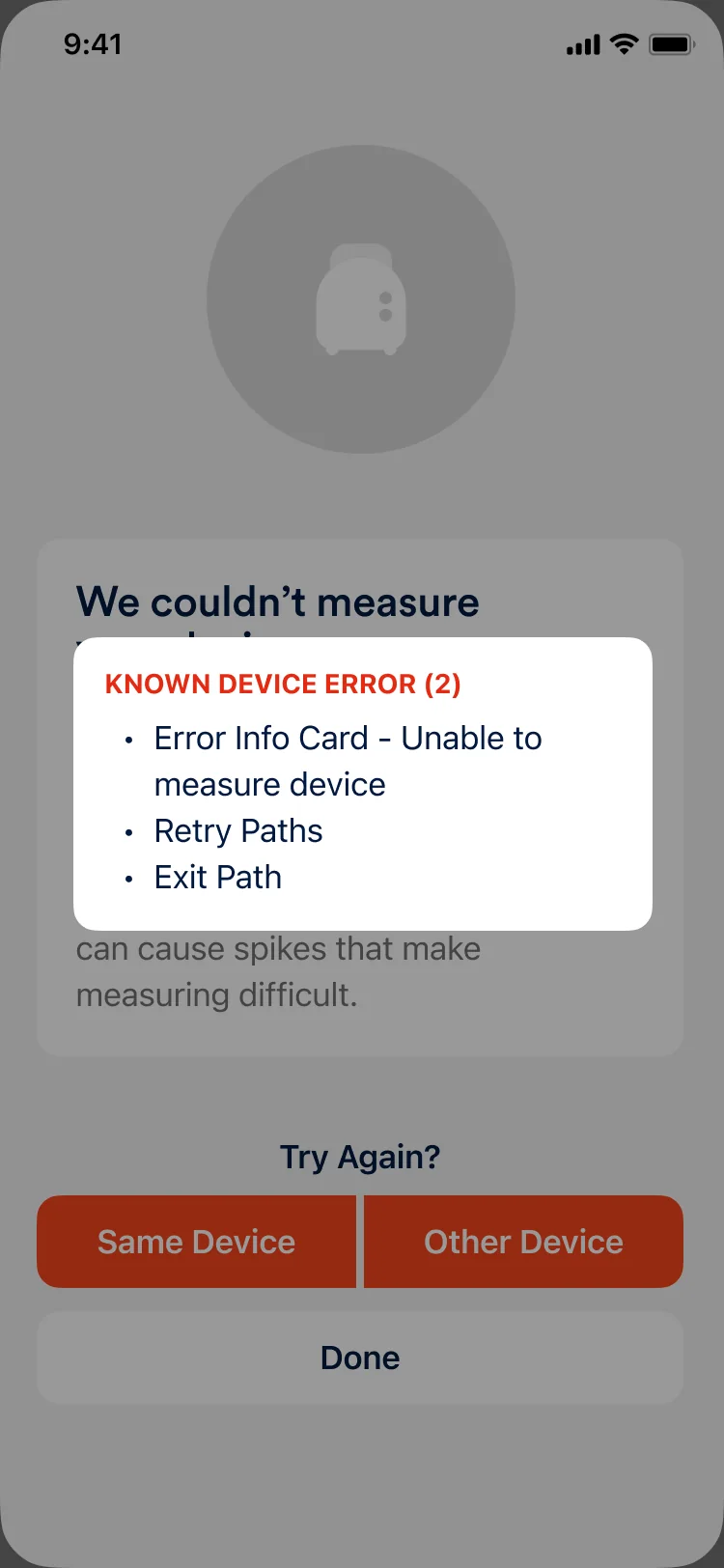
Known device error (2): error info card for a device it couldn’t measure, retry paths, exit path.
Doing the math
Translating watts into cost.
A watt reading alone isn’t meaningful to most people; they want to know what something costs to run. I designed the Cost Card to translate a single measurement into an estimated yearly impact with a lightweight energy model: (watts ÷ 1000) × daily usage × 365 × electricity rate = estimated annual cost.
Rather than exposing the calculation, the interface lets people adjust the time assumption (hours or minutes per day) and instantly see how behavior affects cost. The goal was quick scenario testing without turning the experience into a calculator or breaking the flow of discovery.

Cost
$14/yr
based on
Closing the loop
From curiosity to learning.
“Something Else” opened the door for people to test what the system couldn’t yet name. The next step was making those moments count.
I introduced “Tell Sense what you checked” as a quick follow-up, letting people label the device they had just investigated without interrupting their flow. The interaction didn’t change the result; it turned curiosity into structured feedback, giving Data Science real-world signals to guide future device recognition.
The “Tell Sense what you checked” flow
Outcomes and learnings
Measured value.
- Reach. The adoption goal was for 80% of new users to complete a Watt Check in week one; the actual was about 20%.
- Quality. About 90% of results were rated as useful.
- Eligibility. Very few users attempted to check incompatible devices like washers, dryers, or dishwashers.
- Feedback loop. Something Else data now feeds future eligibility.
While adoption was lower than the ambitious target, usefulness and behavioral alignment signaled strong clarity and trust in the experience.
Outcome metrics · Week one
- Reach Goal was 80%
- ~20%
- completed a Watt Check
- Quality
- ~90%
- rated results as useful
Credits
- Product Design Lead and Design Direction: Oratio West
- Product Design Manager: Ryan Miglavs
- Product Manager: Becca Smith
- Tech Lead, iOS: Josh Grant
- Tech Lead, Android: Andrew Manley
- Data Scientists: Ryan LaLiberty and Matt Fishburn